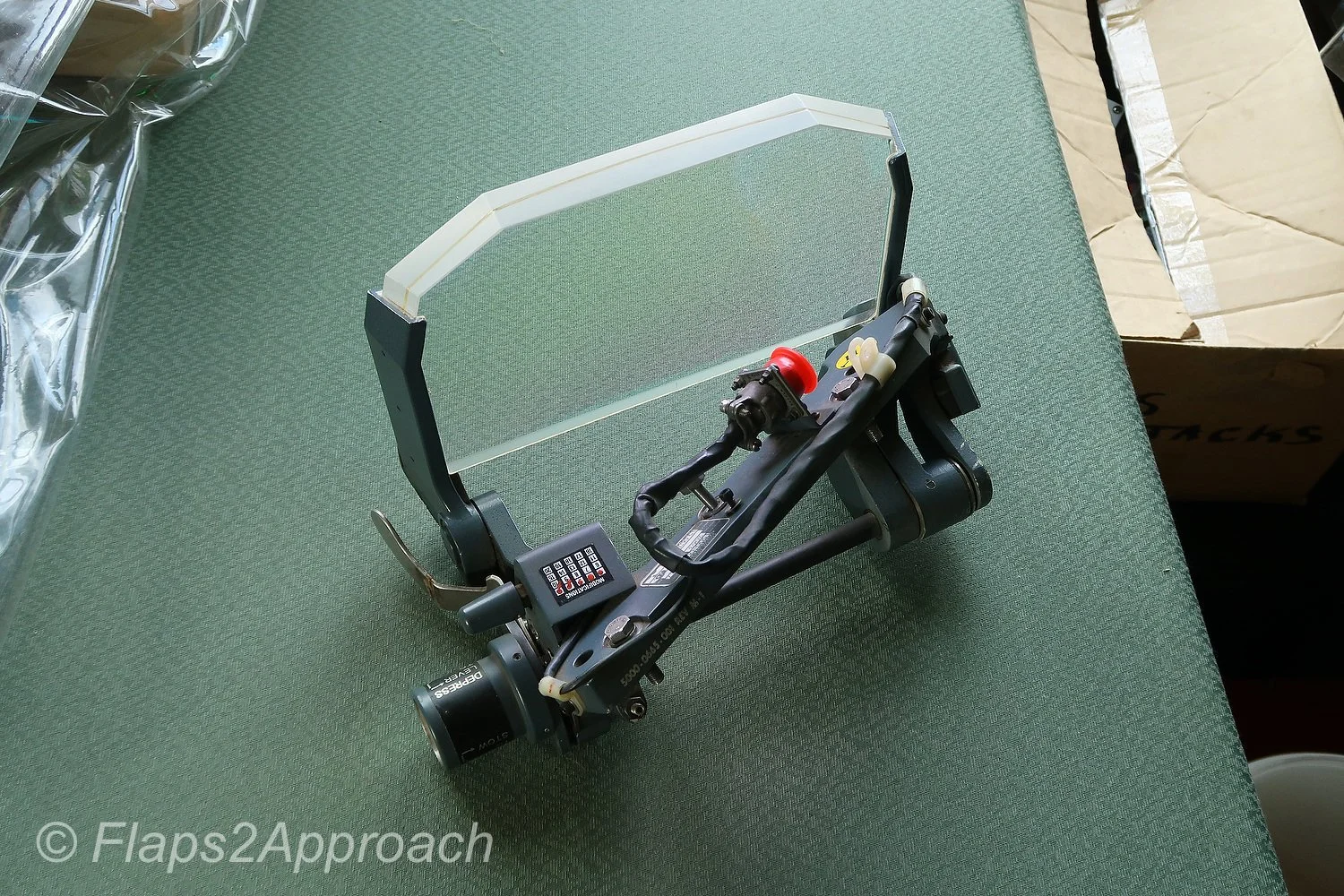
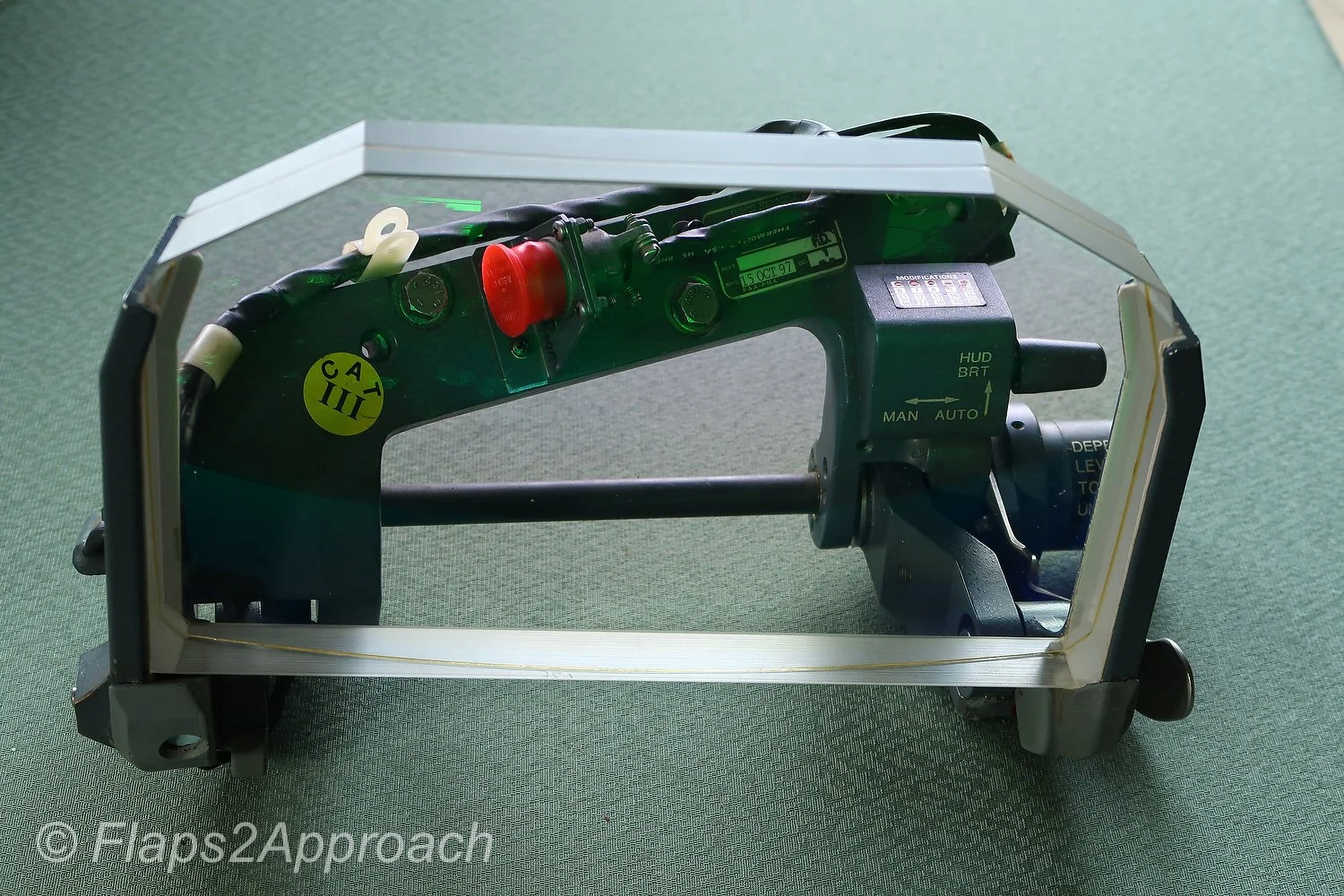
737 Head-Up Display (HUD) Combiner
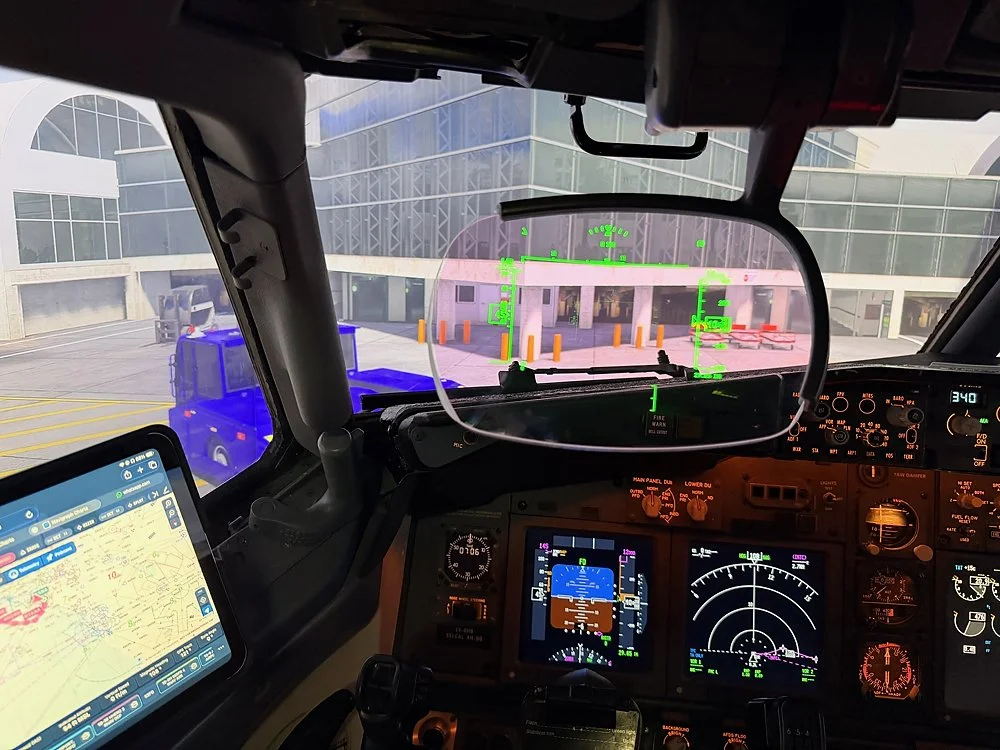
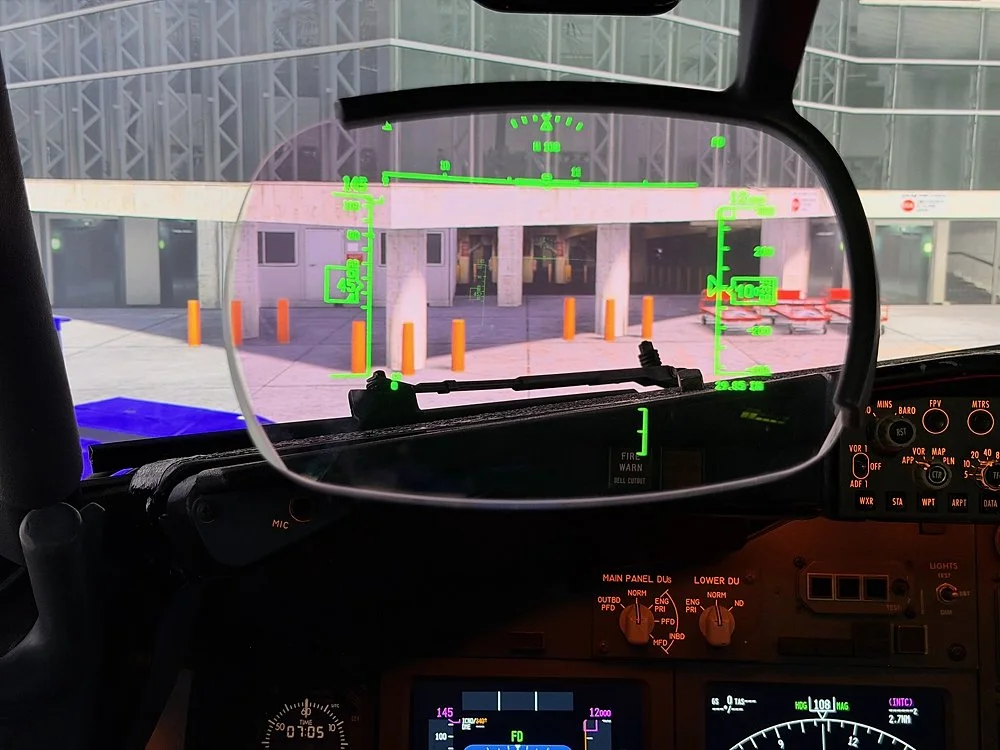
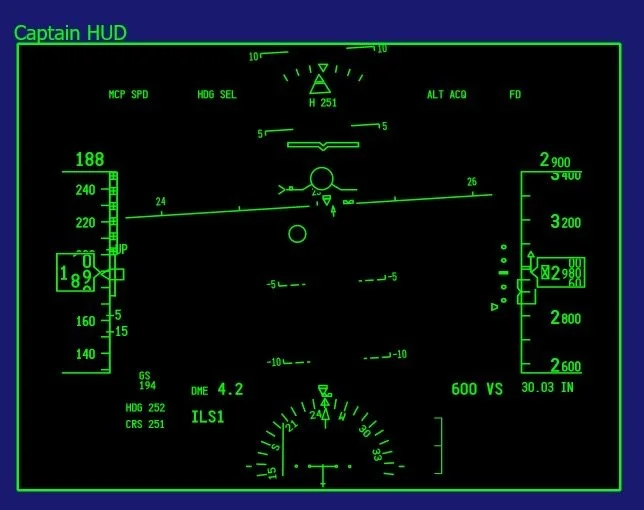
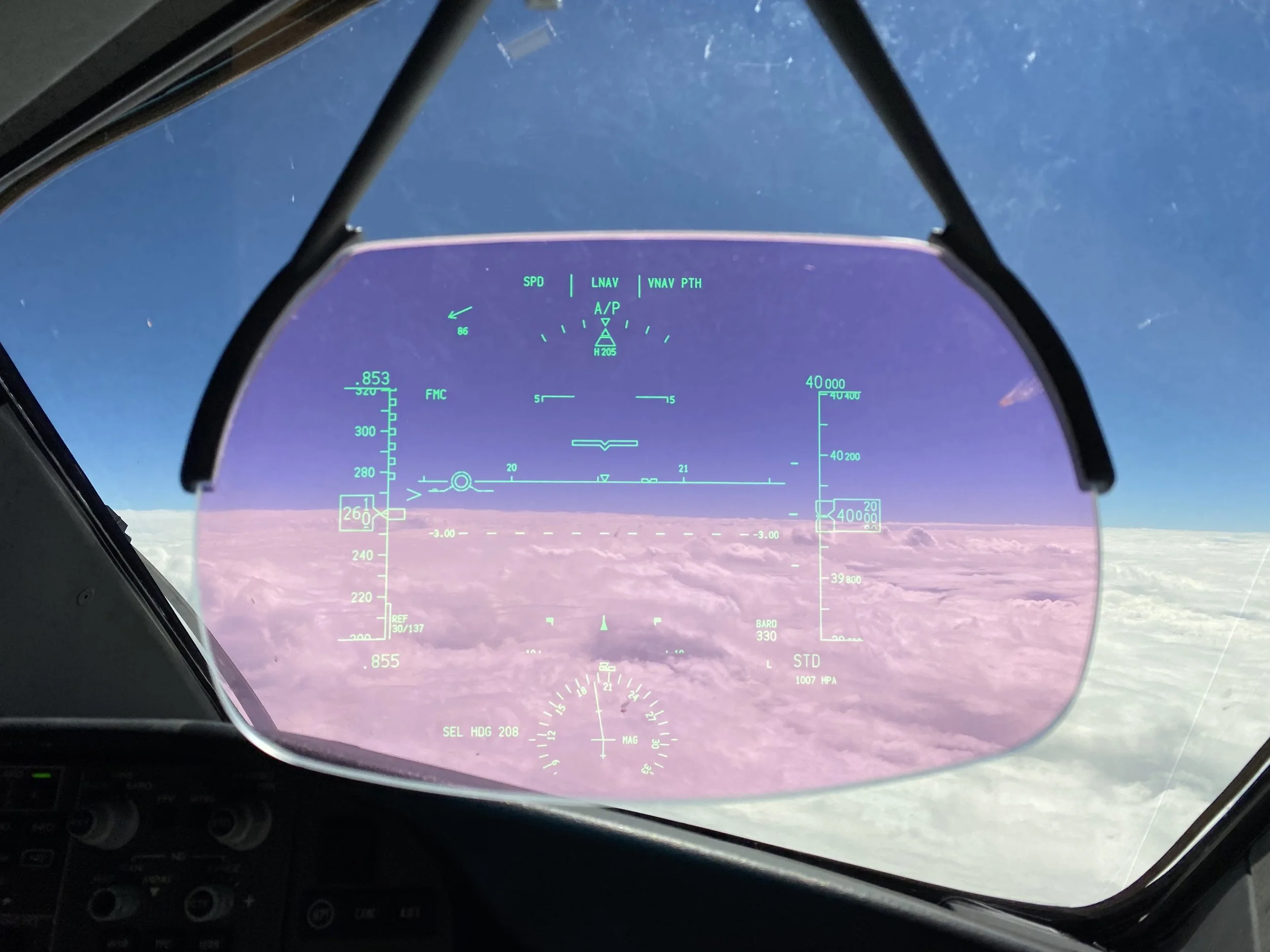
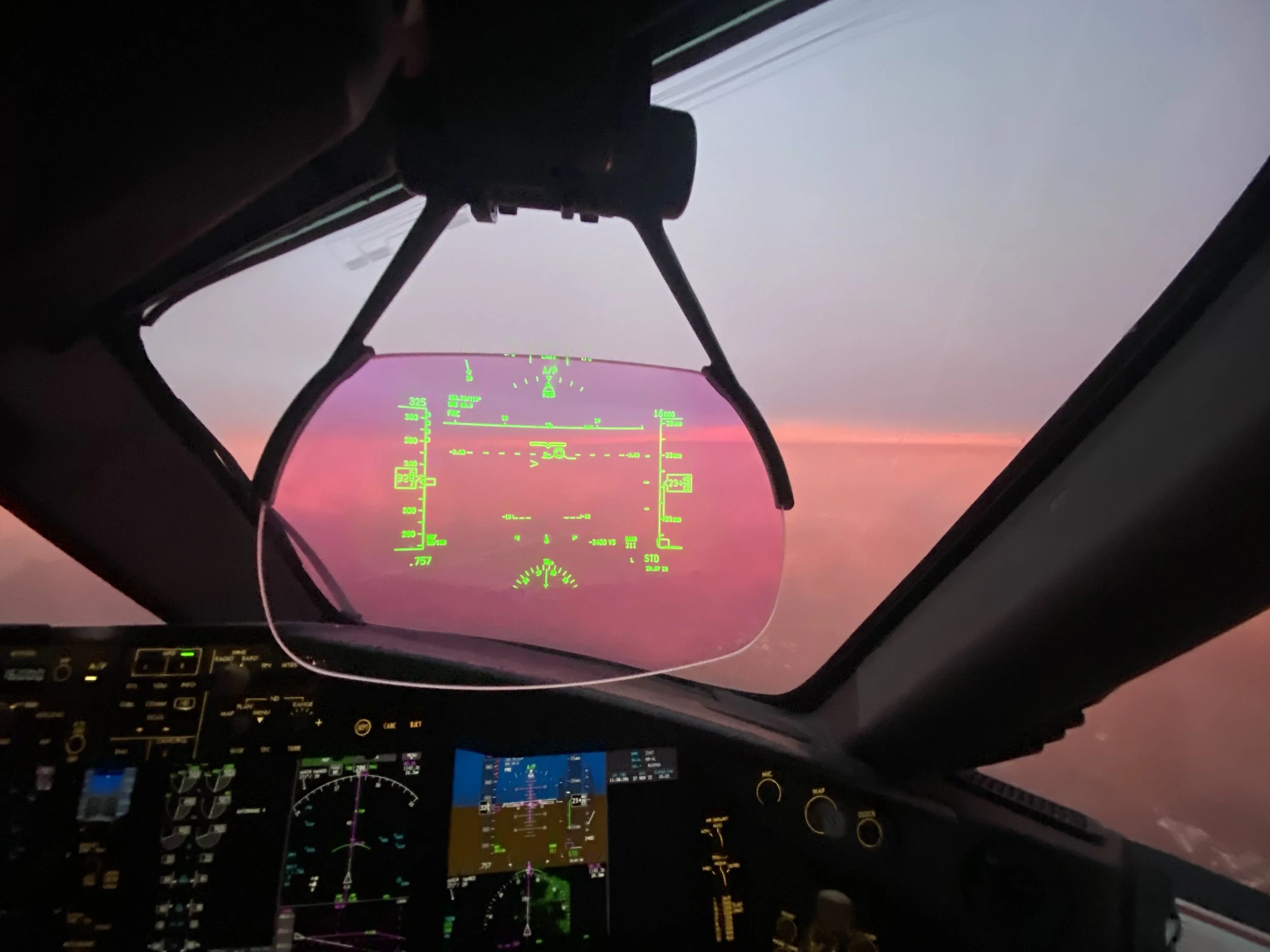
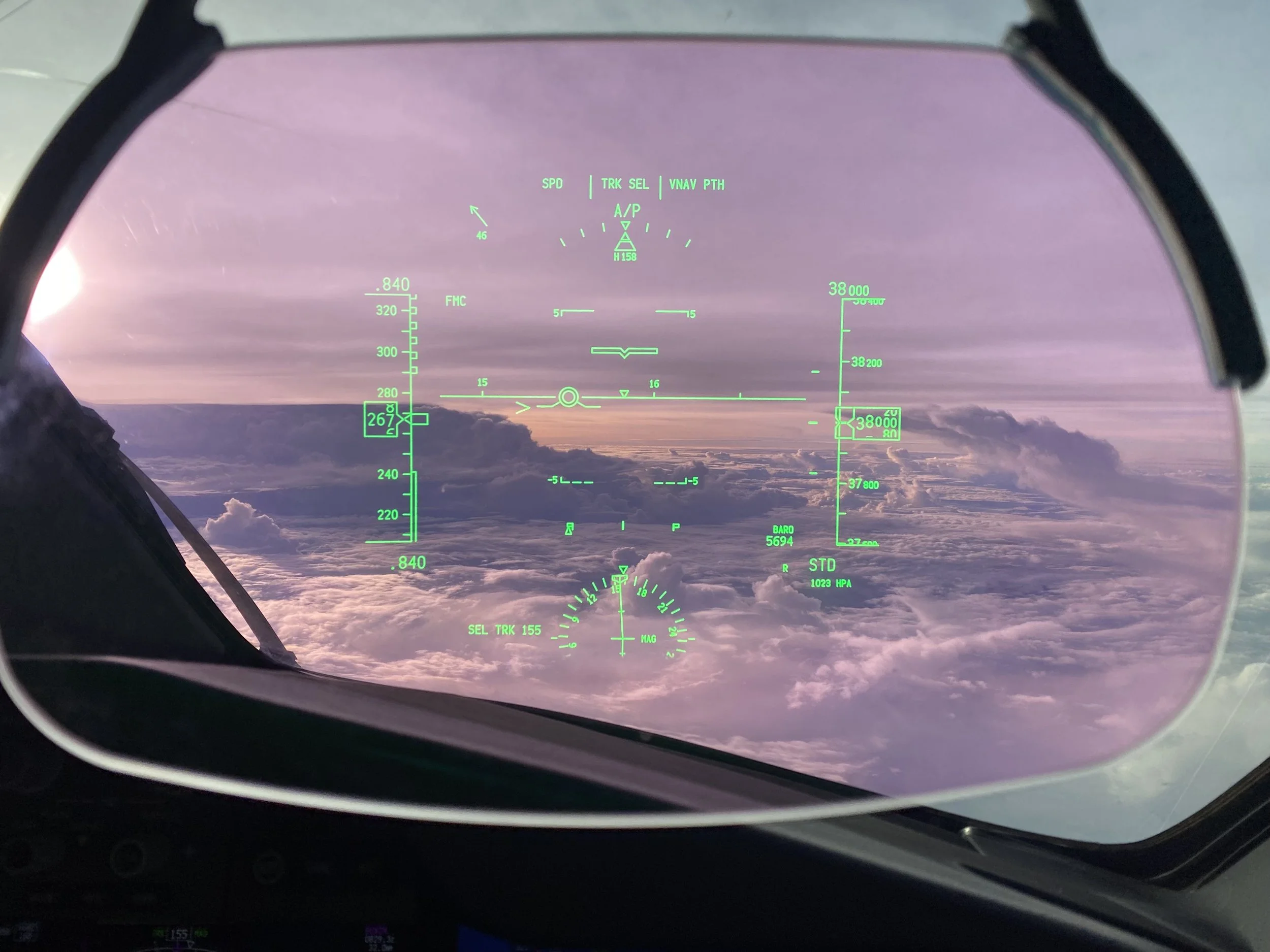
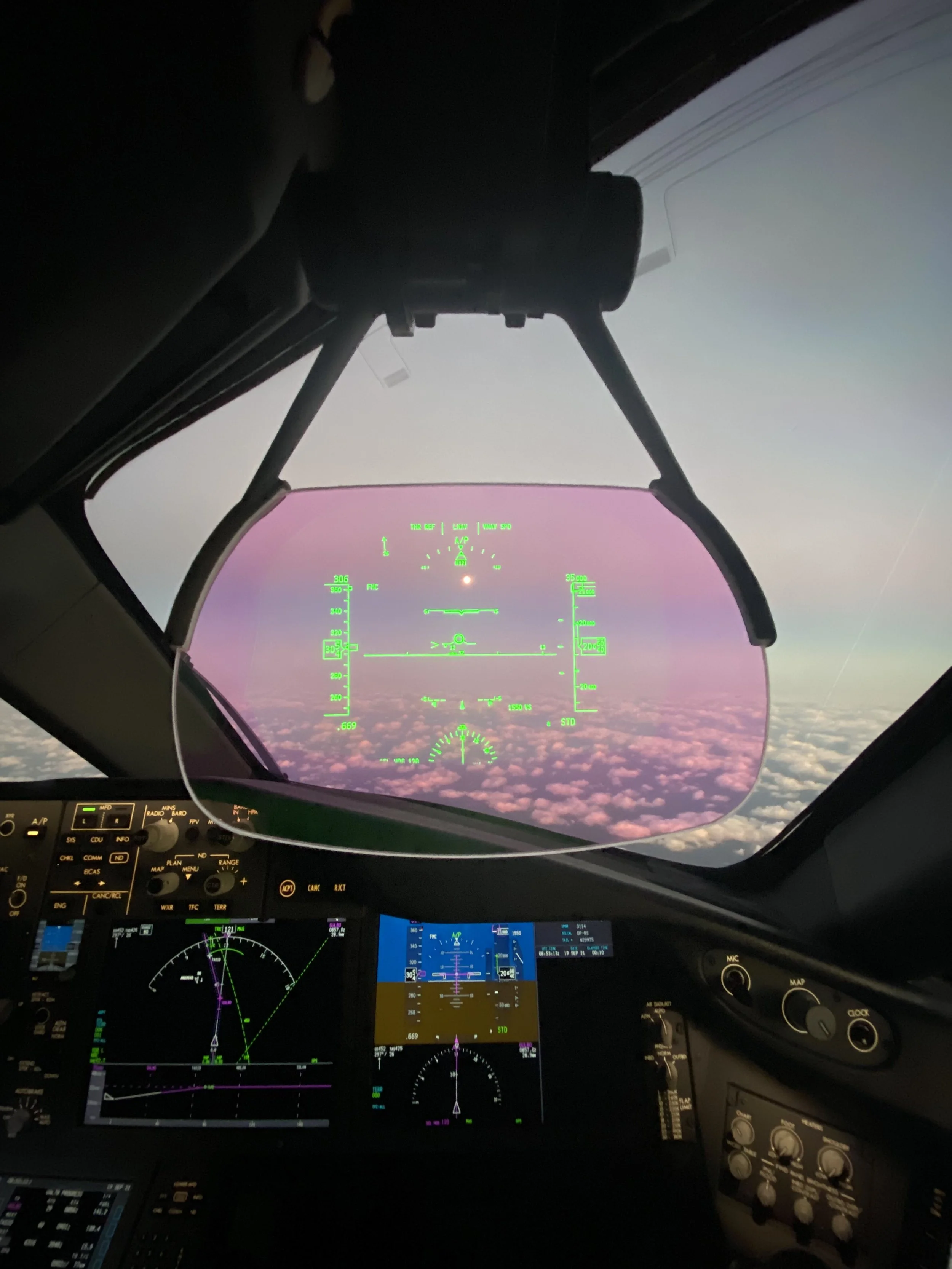
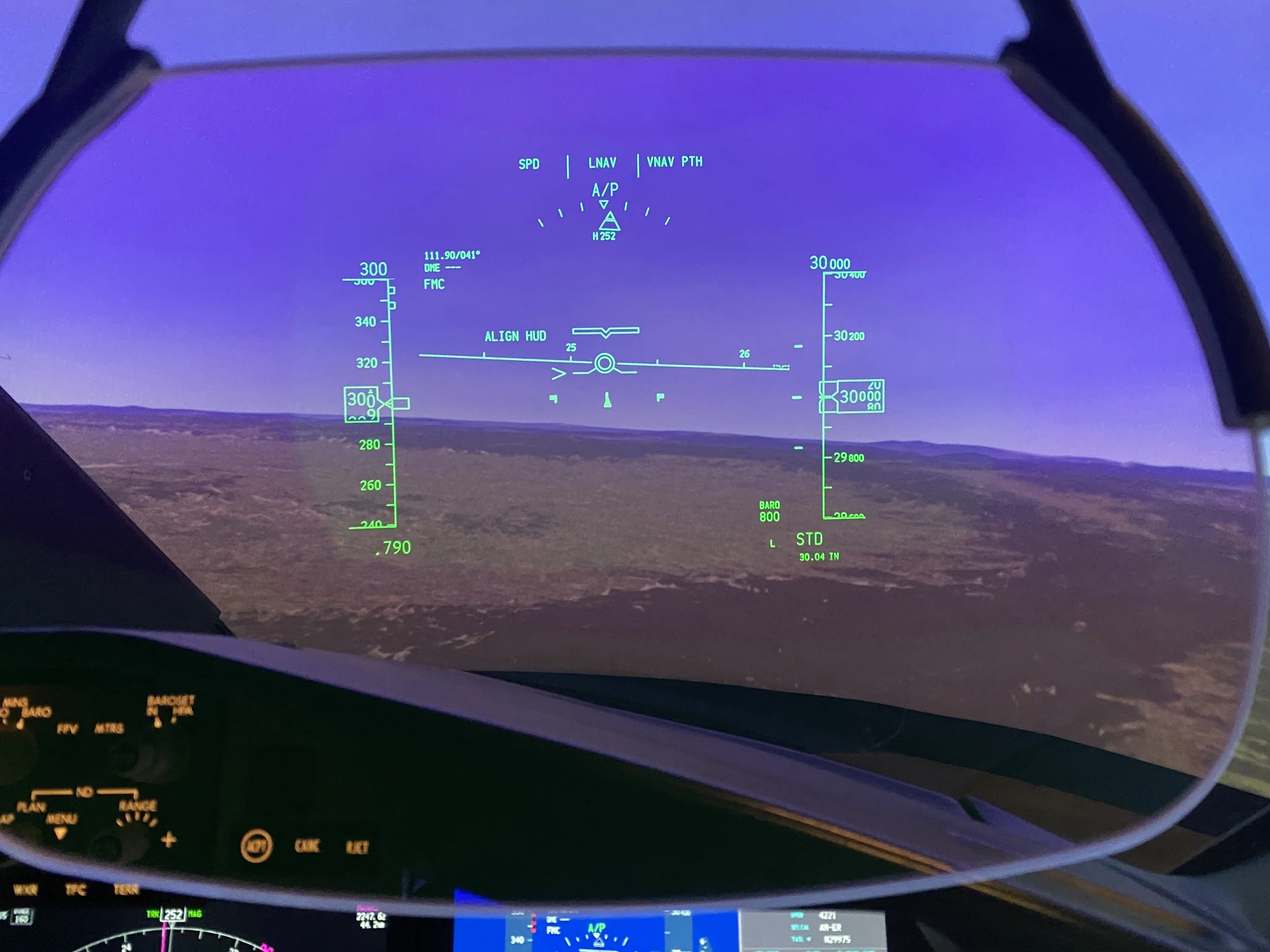
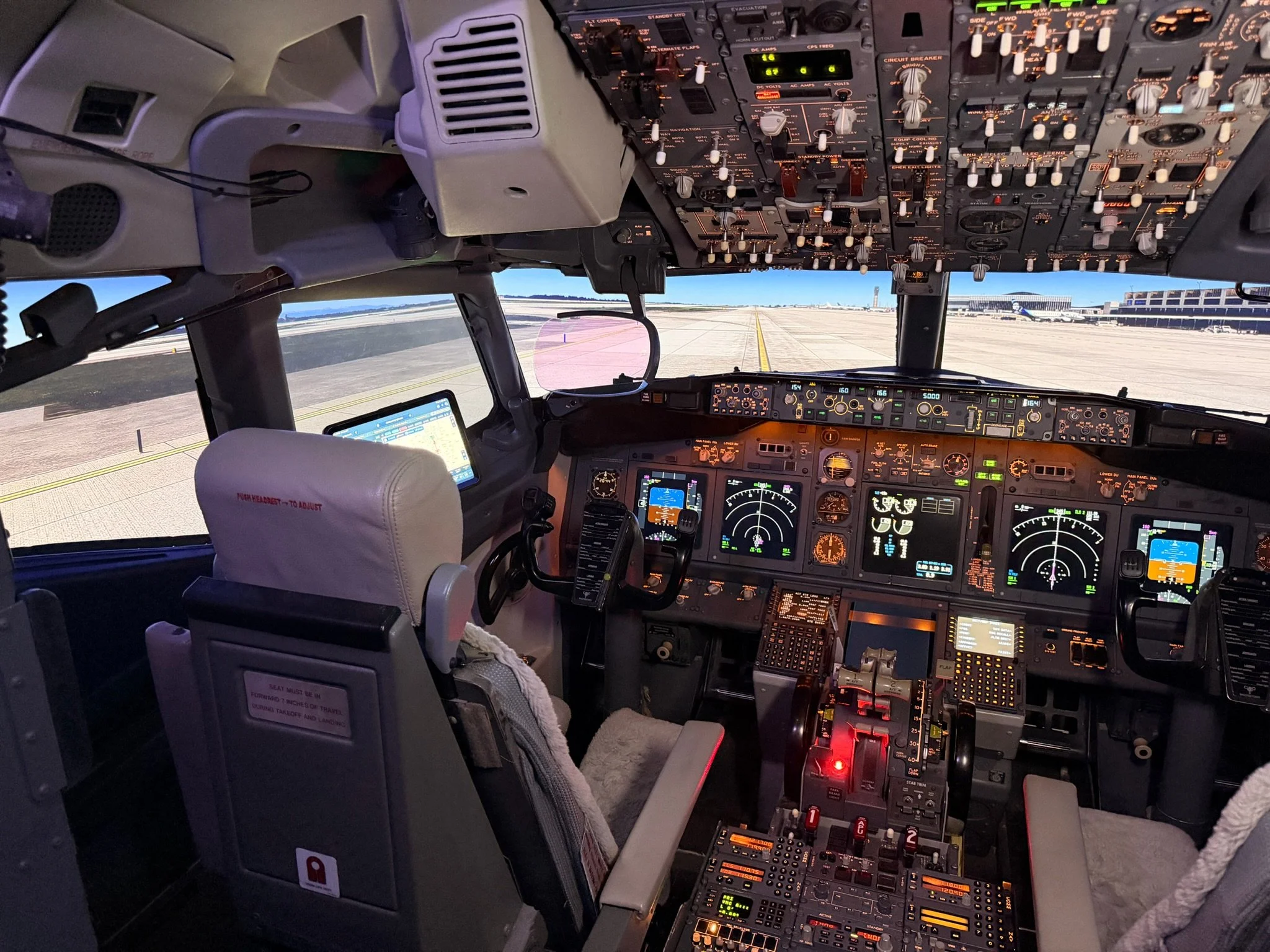
/Captain-side OEM 737 HUD display. Accurate attitude representation is dependent upon correct positioning and alignment of the projector, HUD image, and combiner relative to the pilot's eye point.
Rain hammered against the windshield as the 737 descended through the last layers of cloud, the world outside reduced to a smear of darkness and scattered runway lights.
Inside the cockpit, the crew moved with quiet precision, their focus locked on the glowing instruments that were doing most of the seeing for them. Altitude tapes slid downward, the glideslope needle centered, and the autopilot remained engaged while each pilot called out readings in a calm, practised rhythm.
With the storm pressing in and visibility steadily deteriorating, the approach demanded precision. The crew relied on their instruments, training, and the aircraft's systems to guide them safely to the runway.
It is precisely in conditions such as these that the Head-Up Display (HUD) becomes one of the most valuable tools available to a flight crew. It provides critical visual guidance during low-light operations, low visibility approaches and adverse weather. By projecting essential flight symbology into the pilot’s forward field of view, the HUD enhances situational awareness when external cues are limited.
In this article, I will focus primarily on the most visible part of the HUD: the transparent combiner glass that folds down in front of the pilot. The combiner is one component of the wider Head-Up Guidance System (HGS), which generates and projects the information displayed on the HUD.
Historical Context
Modern airline HUD systems trace their origins to military aviation, where HUDs were developed to project flight and targeting data into the pilot's forward view. As these benefits became clear, manufacturers began adapting head-up displays for civil transport operations, especially to aid during low visibility approaches.
Advantages of a HUD
The HUD contributes to:
Approval for lower visibility operations, subject to aircraft certification, operator authorisation and airport capability - where regulatory requirements are met;
Improved situational awareness by displaying guidance symbology similar to that seen in the Primary Flight Display (PFD); and
Enhanced awareness during night, fog, rain and other reduced visibility operations.
Components of the 737 HUD System
At first glance, a HUD appears deceptively simple. To most observers it is little more than a pane of angled glass positioned in front of the Captain. In reality, the combiner is only one component of a sophisticated optical display system.
A typical Boeing 737 HUD installation consists of five principal elements:
The optical combiner;
The projector unit;
The HUD control panel;
A dedicated annunciator panel (on some aircraft); and
The associated computers, interface units and guidance software.
Working together, these components present flight guidance information directly within the pilot's forward field of view.
As the most visible component of the HUD, the combiner serves as the interface between the display system and the outside world. Its transparent construction allows pilots to view critical flight guidance information whilst maintaining an uninterrupted view through the windscreen.
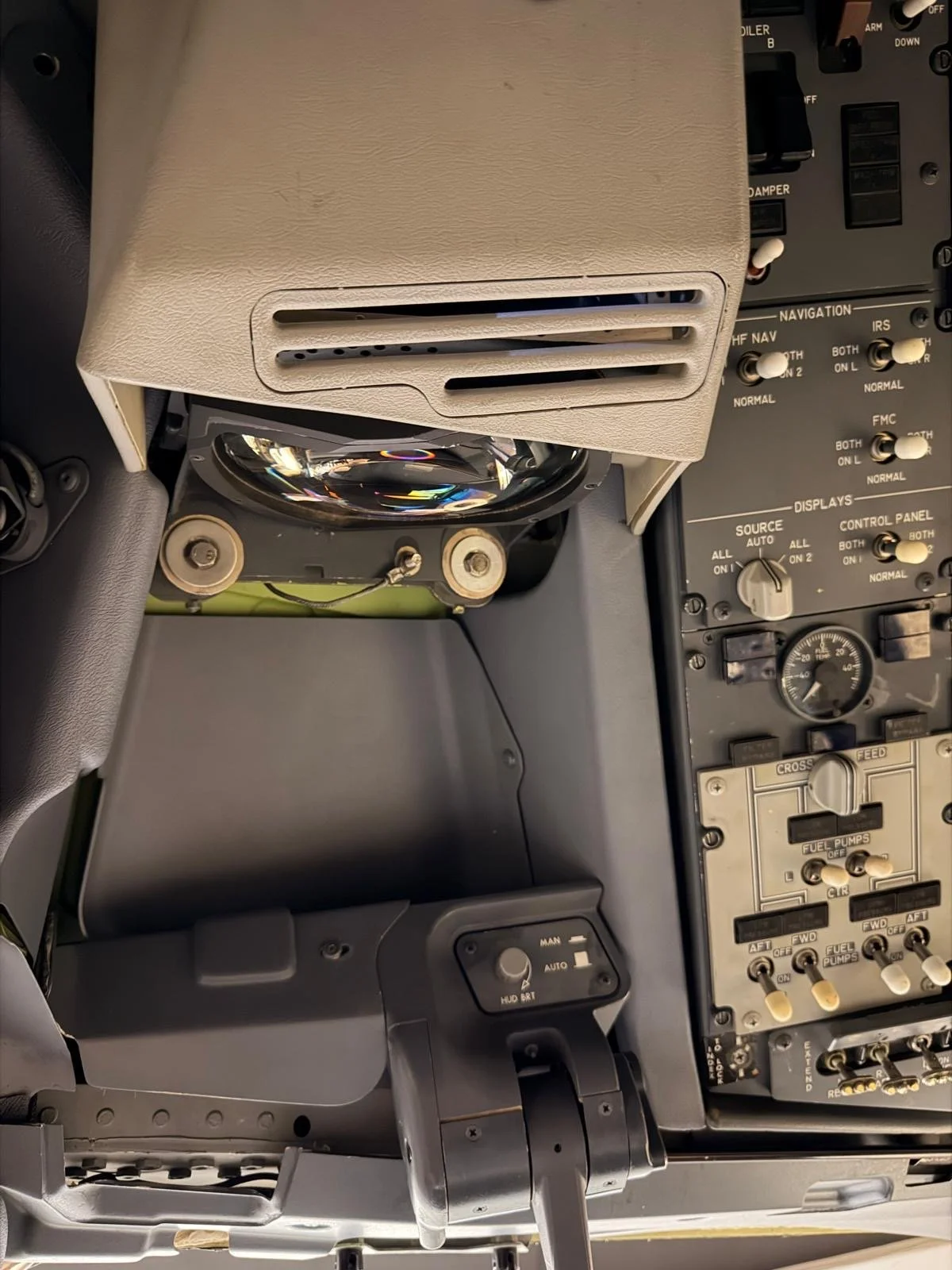
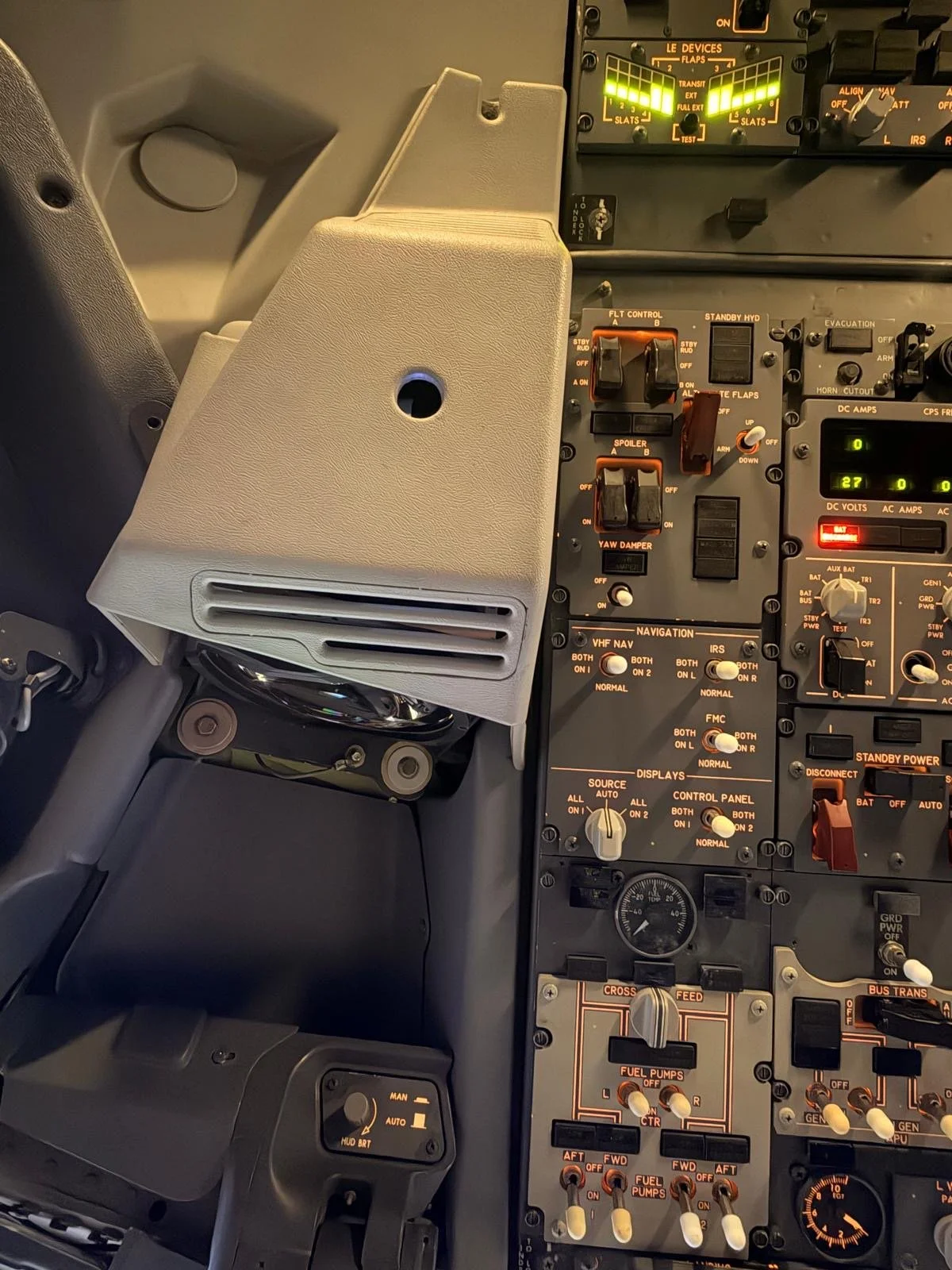
The projector, mounted above the Captain's position, generates the flight guidance symbology displayed on the HUD. Earlier systems relied on CRT-based projection technology, whereas modern installations use compact solid-state displays. The image is projected through an optical relay system onto the combiner glass, where it is reflected towards the pilot's eyes.
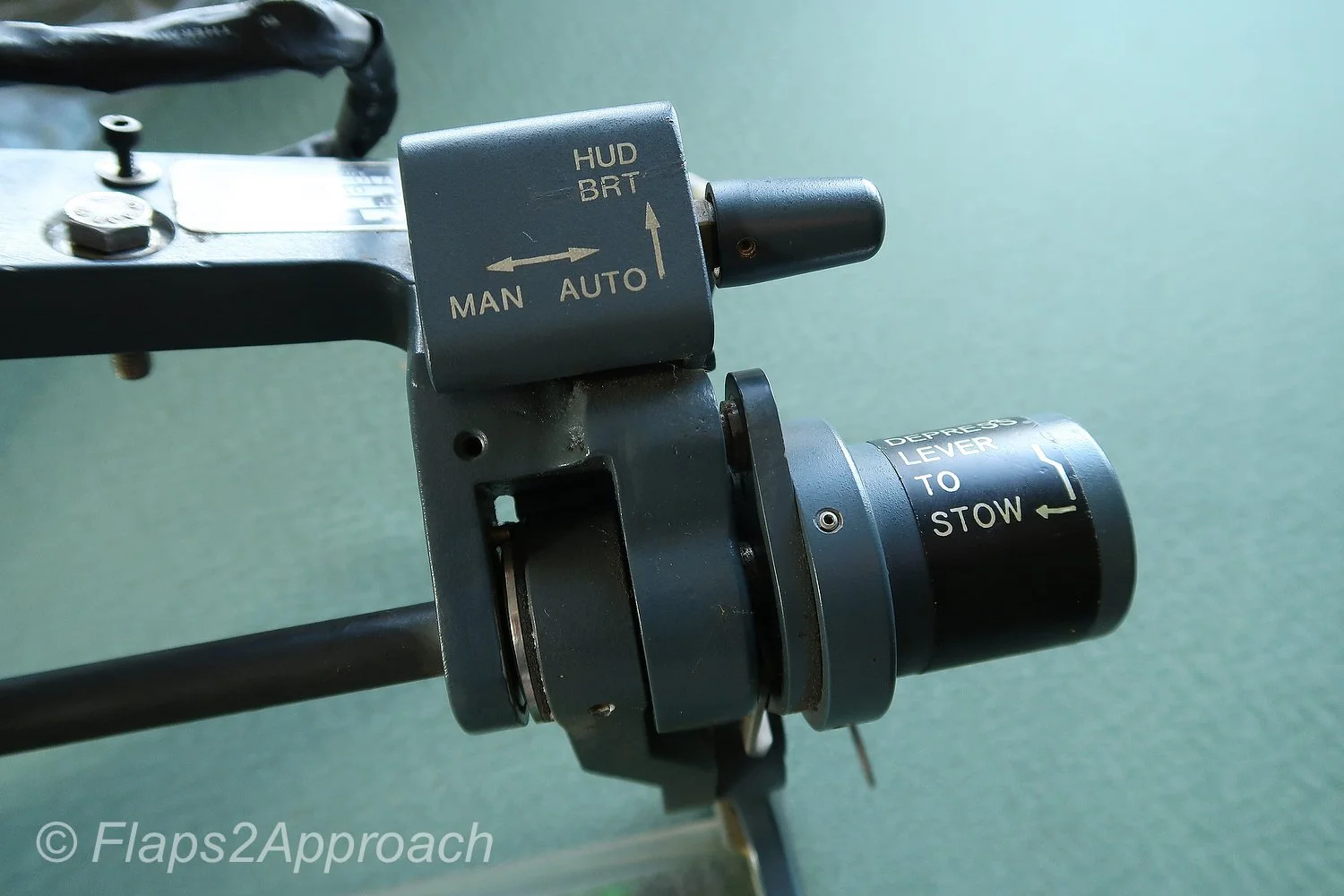
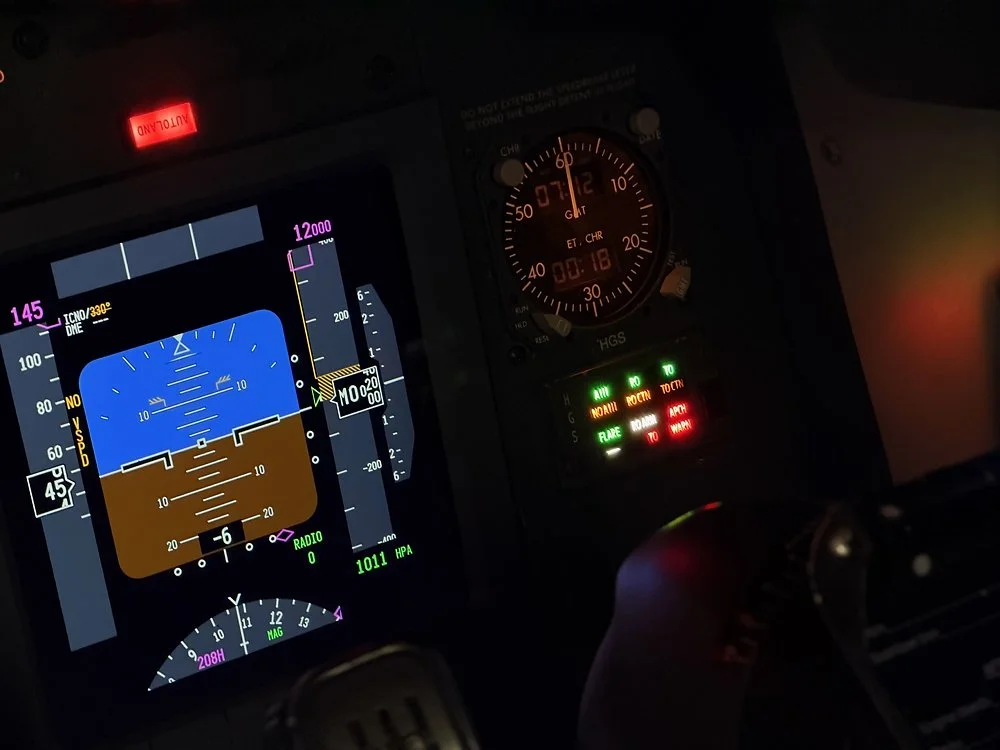
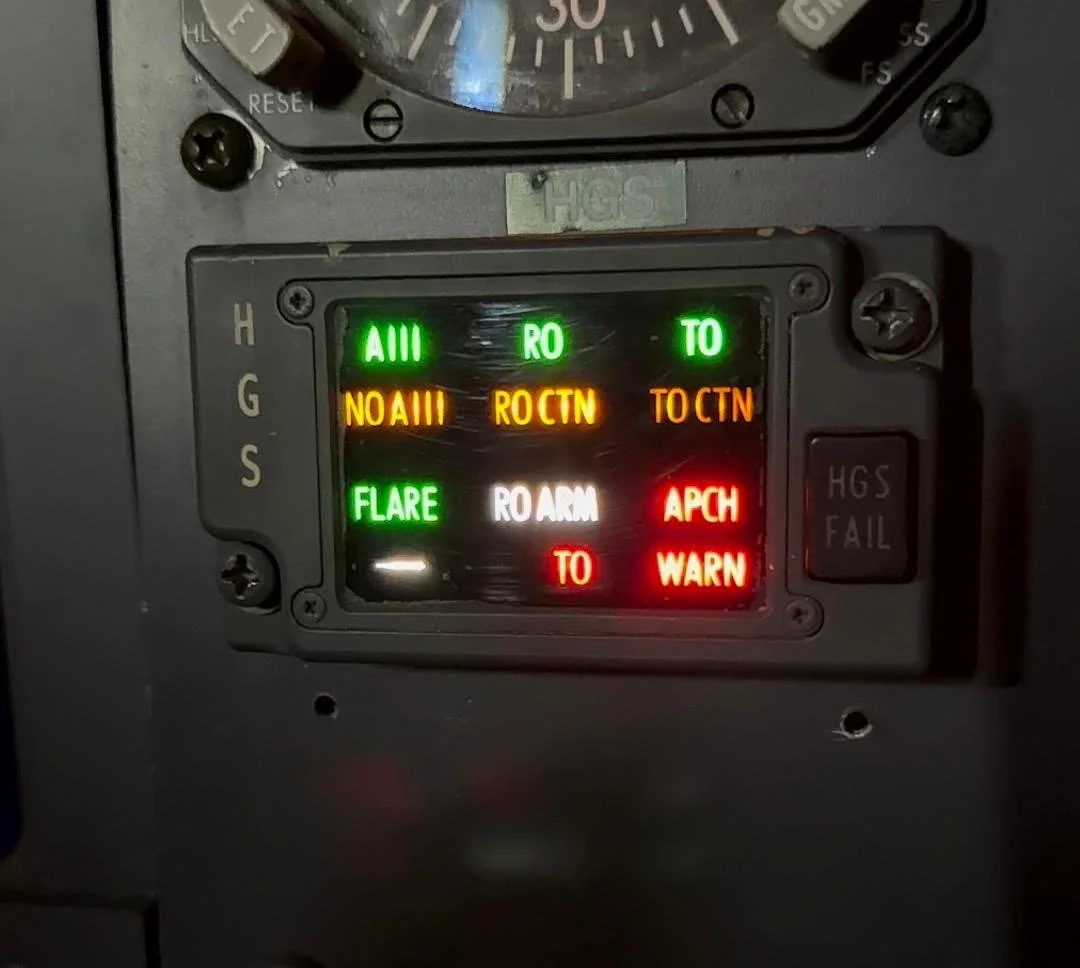
System control is provided through the HUD Control Panel, which allows selection of operating modes, brightness adjustment and, depending on the installation, entry of operational data. Some aircraft also incorporate a dedicated annunciator panel, typically mounted on the First Officer's side of the Main Instrument Panel, providing status indications, fault messages and system readiness information.
Behind the visible components, a network of computers, interface units and guidance software integrates data from the aircraft's navigation, attitude, airspeed, altitude and autopilot systems. Using this information, the system generates the steering commands, flight-path guidance and approach cues displayed on the HUD.
Variants and Differences
Although all Boeing HUD systems operate on the same fundamental principles, their hardware evolved significantly between the Classic, Next Generation and MAX fleets.
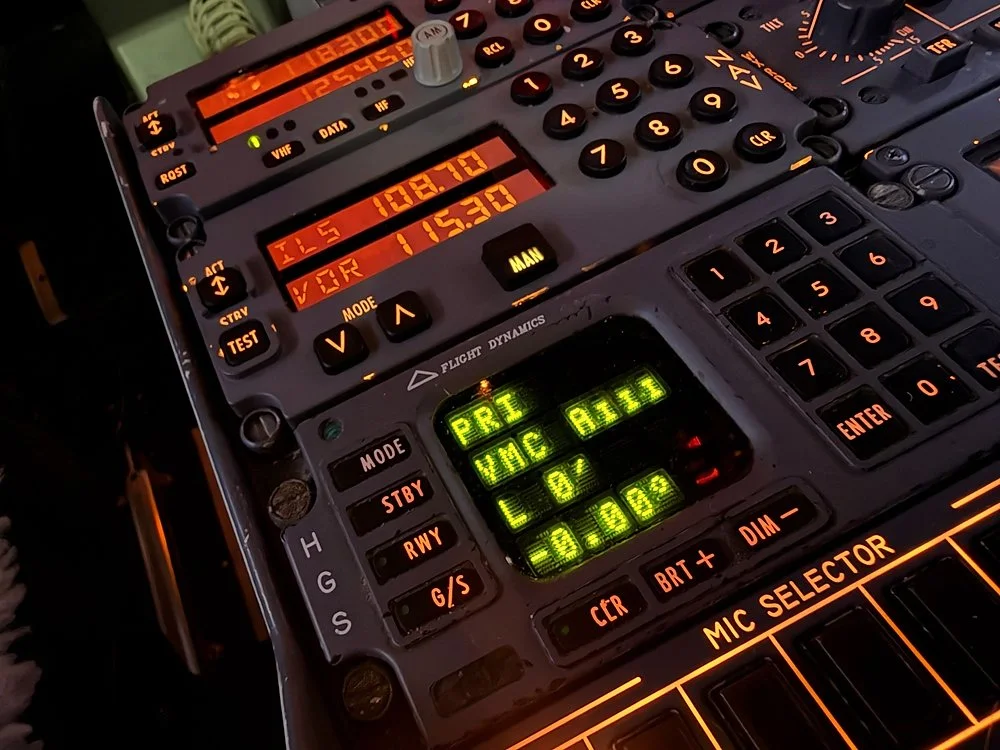
737 Classic and 727 aircraft generally use an earlier combiner design featuring thicker optical glass and simpler supporting optics. The control panel is typically mounted separately within the centre pedestal.
737 Next Generation and 737 MAX aircraft utilise a lighter combiner assembly with thinner optical glass and improved coatings that provide greater image clarity. Many functions previously performed by separate control and annunciator panels are integrated directly into the HUD assembly (on newer units).
While visually similar, these generations reflect the gradual evolution of HUD technology towards lighter, more integrated and more capable systems.
Although several manufacturers produce Head-Up Displays, the HUD system fitted to the Boeing 737 is supplied by Collins Aerospace. The system traces its origins to Flight Dynamics, the original developer of the Head-Up Guidance System (HGS), whose HUD technology later became part of Collins Aerospace.
OEM Availability
Because HUD components represent a significant financial investment, serviceable units are often repaired, overhauled or transferred between aircraft rather than immediately retired.
For simulator applications, purchasing only the combiner and incorporating a custom display or projection solution within a fabricated housing often proves the most practical and least expensive approach. This allows builders to achieve an authentic visual appearance without the cost and complexity of sourcing a complete serviceable HUD system.
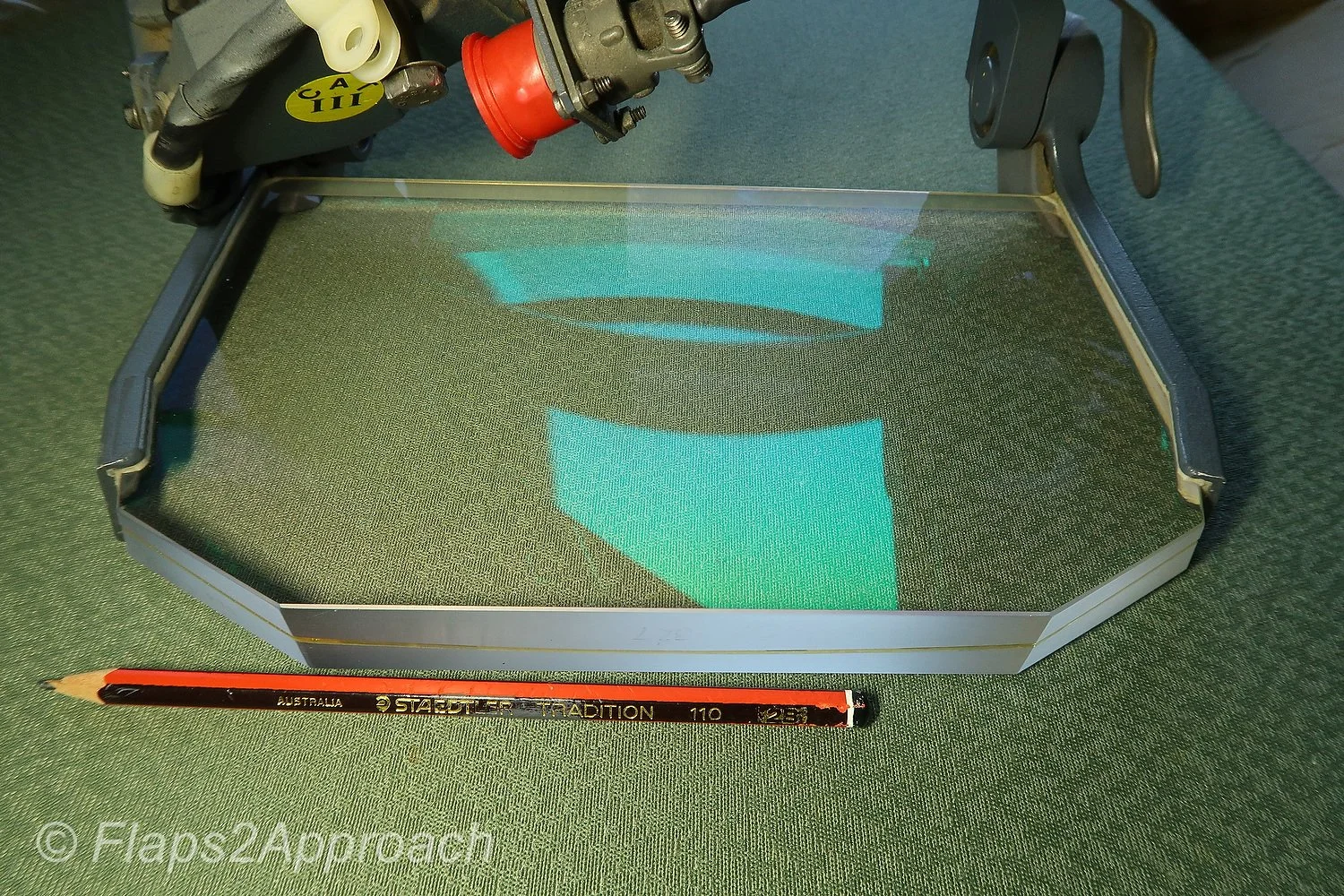
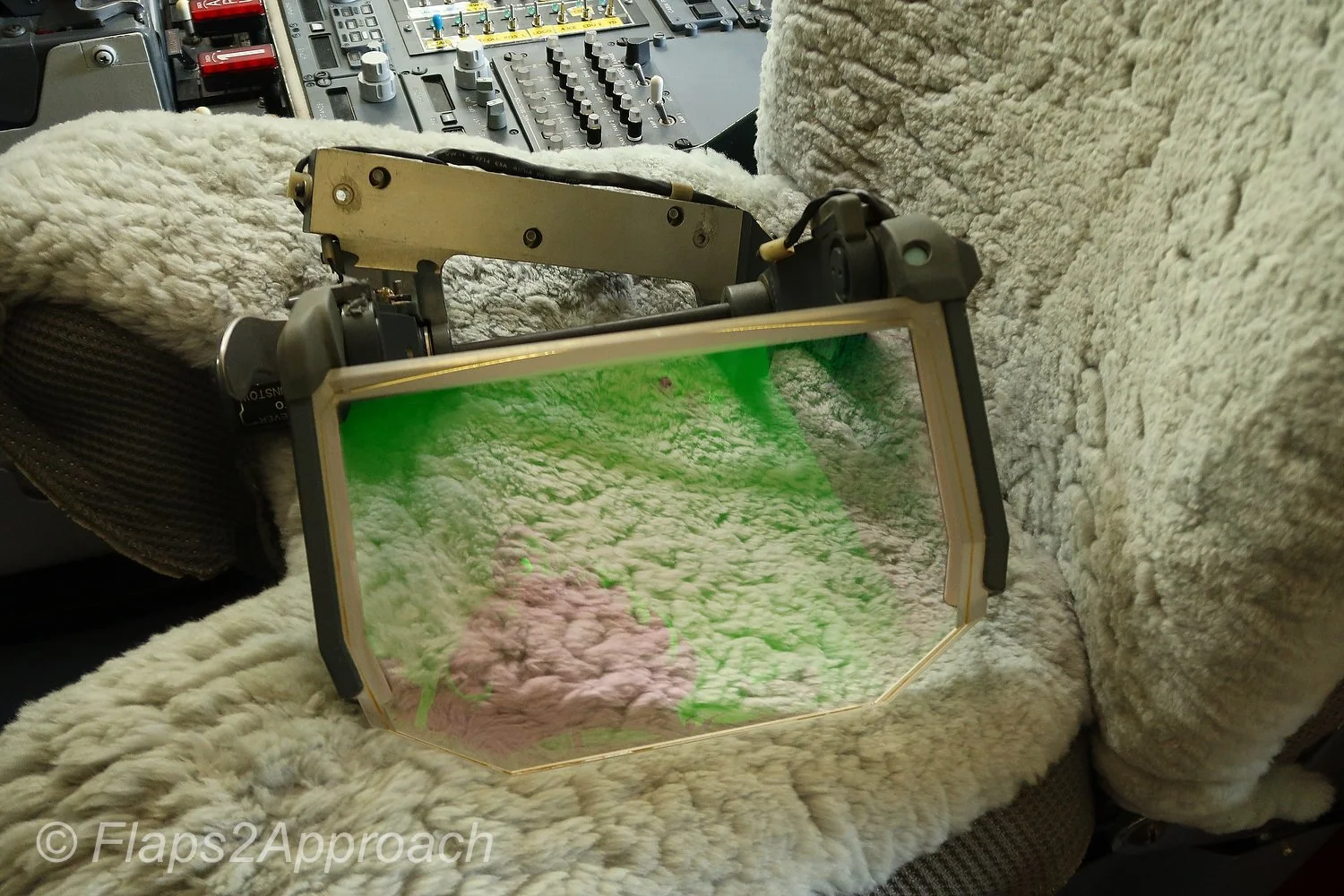
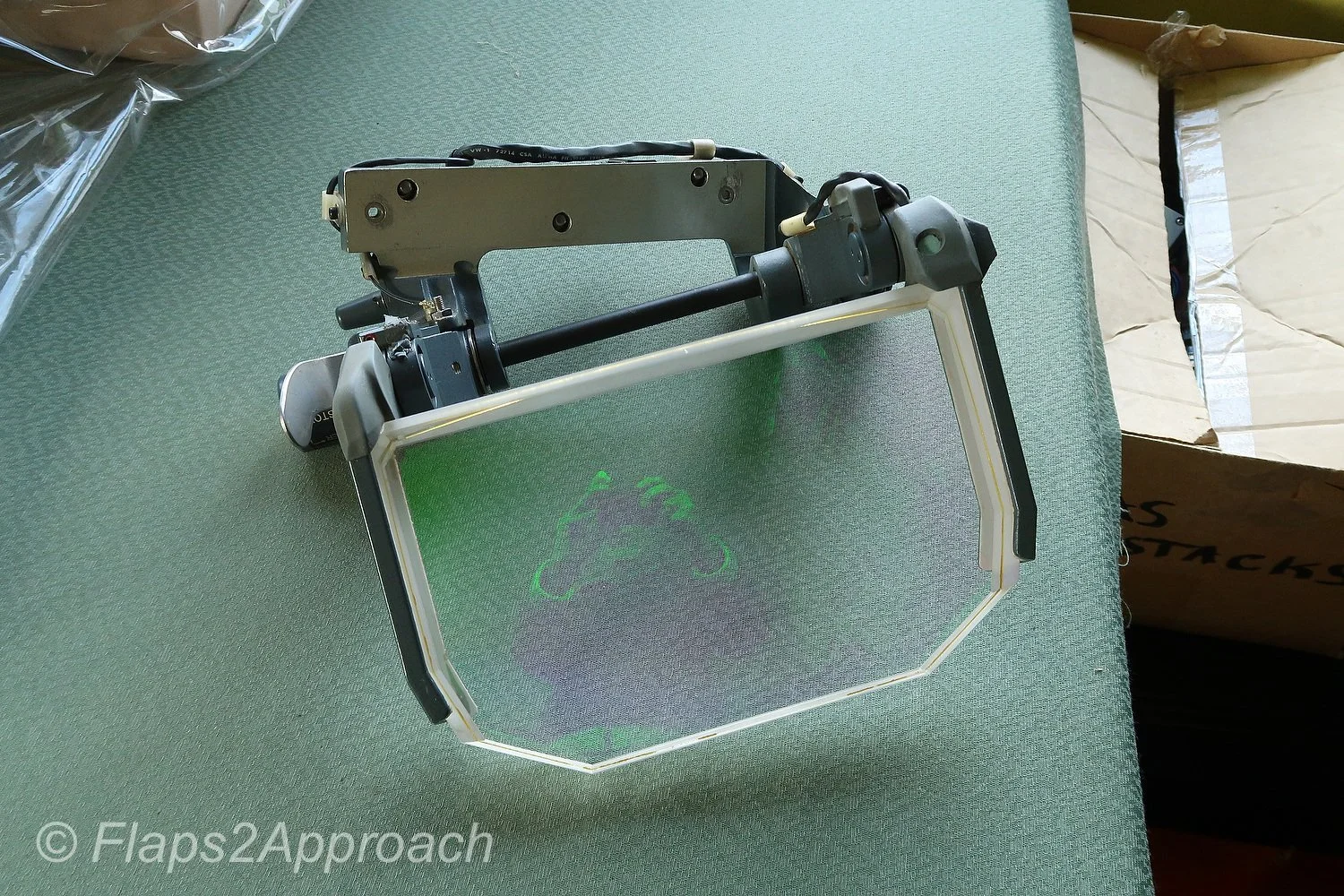
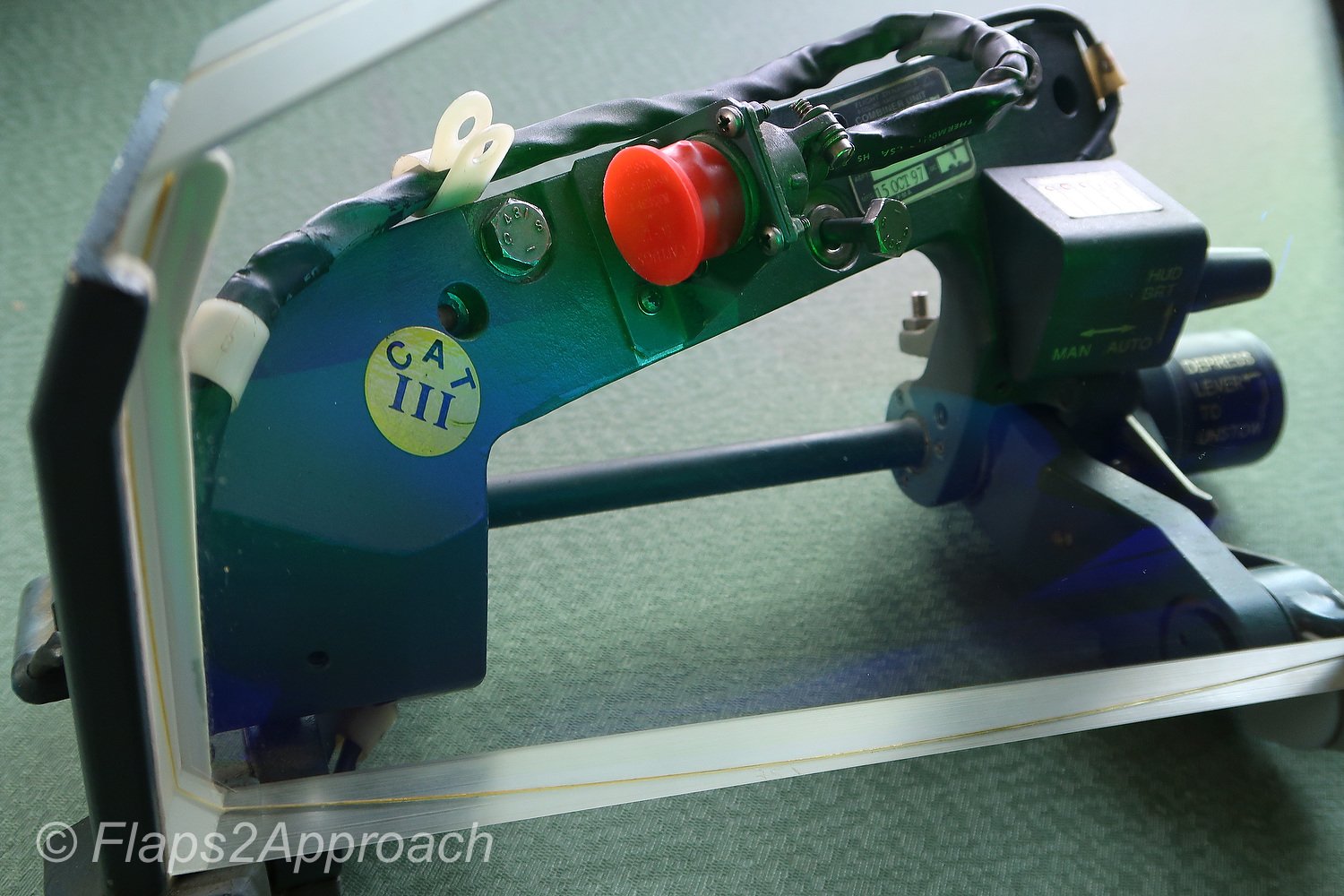
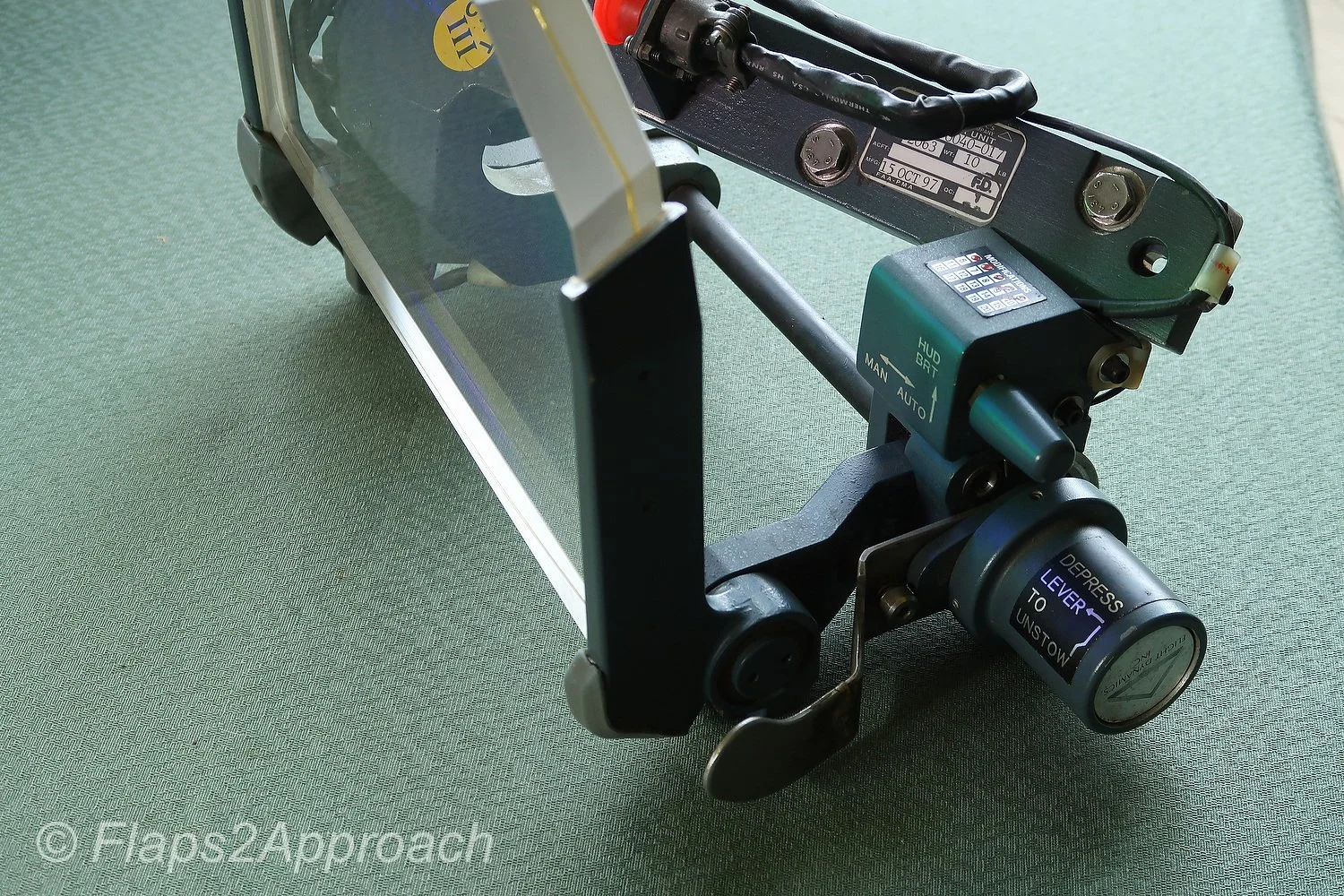
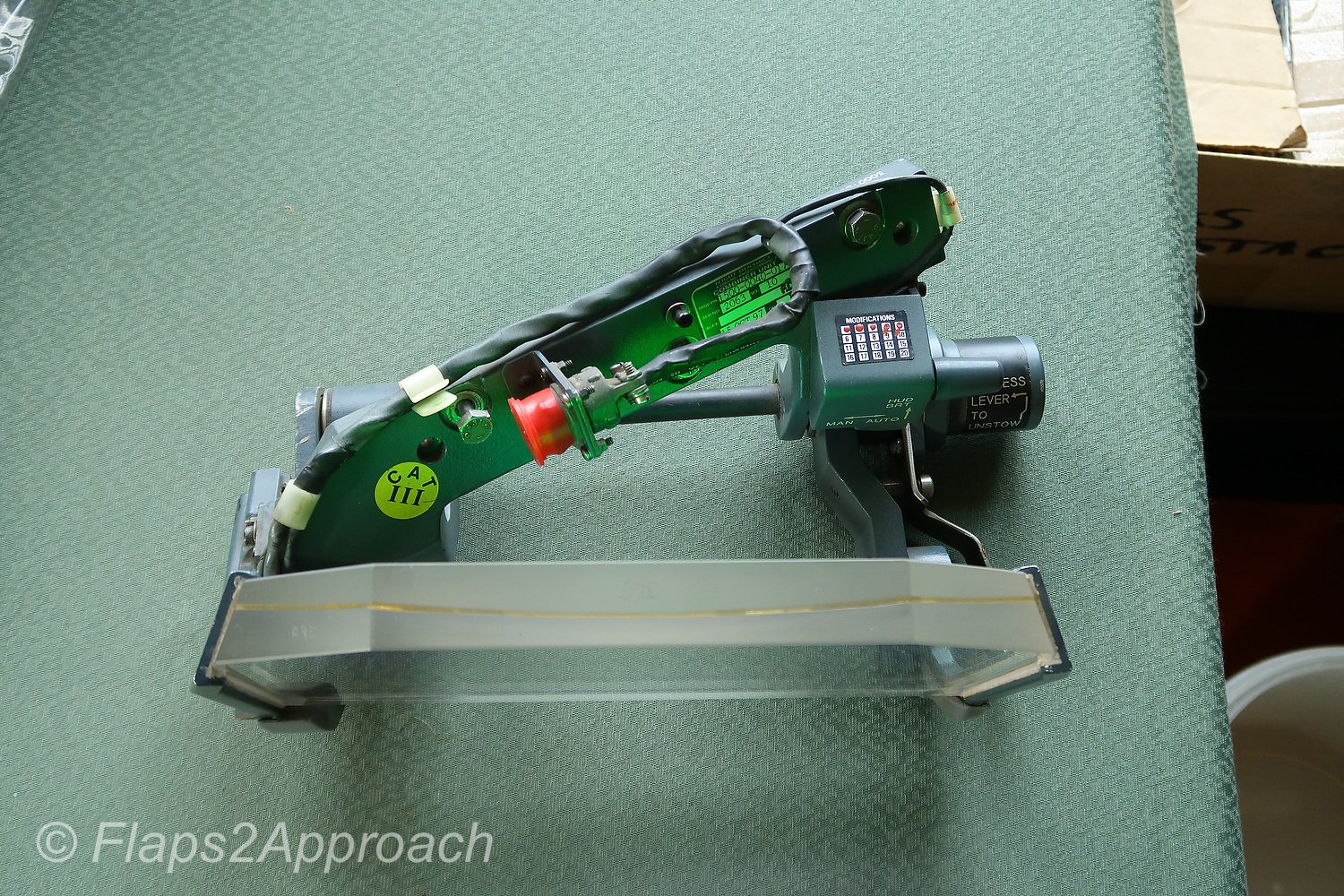
OEM Flight Dynamics 737 HUD combiner with thick laminated glass and integrated reflective optical inlay. Suitable for either the Captain or First Officer side, although the mounting hardware is side-specific.
The HUD Optical System (The Combiner)
The combiner is often mistaken for little more than a piece of tinted glass. In reality, it is a precision optical component designed specifically for head-up display applications.
Manufactured from specially coated optical glass, the combiner performs two functions simultaneously: it allows the outside view to pass through the glass while reflecting HUD symbology towards the pilot.
To ensure the displayed information remains correctly aligned with the outside scene, the combiner is mounted at a precisely controlled angle and position. This arrangement helps provide a clear, stable image while minimising unwanted reflections.
The combiner works in conjunction with the projector and relay optics, which shape and direct the image before it reaches the pilot. Together, these components form the optical display system that allows HUD information to be viewed without significantly obscuring the external scene.
One of the most important characteristics of this system is image collimation, a principle discussed in the following section.
What Is Collimation and Why Is It Important?
Collimation is the optical principle that separates a true aviation HUD from a simple projected display.
In a collimated system, the image is presented so that it appears to exist at optical infinity rather than on the glass itself. As a result, the pilot can view both external references and HUD symbology simultaneously without continuously refocusing between different distances.
Collimation helps maintain the apparent alignment of displayed information with the outside world, thereby allowing guidance cues to remain accurately positioned relative to the runway, horizon and terrain.
Without collimation, HUD symbology appears attached to the combiner's display surface and, as the pilot moves, may shift relative to the external view. While acceptable for many simulation applications, such a display cannot fully replicate the behaviour of an operational aircraft HUD
What Happens in Simulators?
The degree to which HUD optics can be reproduced varies significantly between simulator types.
Certified Level-D simulators use specialised visual and optical systems capable of reproducing both the appearance and optical behaviour of the real aircraft. These installations are specifically designed to meet regulatory training requirements and typically reproduce the collimation characteristics and visual cues seen in the aircraft.
Desktop simulators simplify the concept by rendering HUD symbology directly onto a computer monitor. While the guidance logic and displayed information may closely match the real aircraft, no optical projection or collimation system is involved. The HUD is simply presented as a graphical overlay on the screen.
Home cockpit installations vary considerably in fidelity. Many focus primarily on reproducing the appearance and functionality of the HUD and may use replica combiners fabricated from acrylic or polycarbonate. These units serve as cosmetic replacements that mimic the appearance of a real flight deck but do not reproduce the optical characteristics of the original system. More advanced installations may use OEM combiners in conjunction with a projector and dedicated software, such as that provided by ProSim737.
A third approach is a hybrid system, whereby HUD navigation and flight data are streamed directly from the simulator platform to a standalone application. Such a system could theoretically be used with a projector and display HUD symbology onto an OEM combiner, providing a closer approximation of the visual experience found in the actual aircraft.
The ProSim737 HUD System
For builders seeking a practical and high fidelity HUD solution, ProSim737 offers an optional module that generates Collins style HGS symbology directly from the simulator’s flight and avionics data.
The software reproduces many key HUD functions. These include flight director guidance, flight-path vector presentation, speed and altitude information, approach modes, and TOGA guidance. Some features of the original Collins system, however, are not replicated. The software also provides a range of user-adjustable settings, including brightness, scaling, and display configuration, allowing it to be adapted to different simulator installations.
Unlike the original Collins system, which relies on dedicated avionics computers and projection hardware, ProSim737 generates HUD symbology within the simulator software environment. This eliminates the need for the original HUD computers and projector electronics while retaining much of the system's operational functionality.
The ProSim737 Display
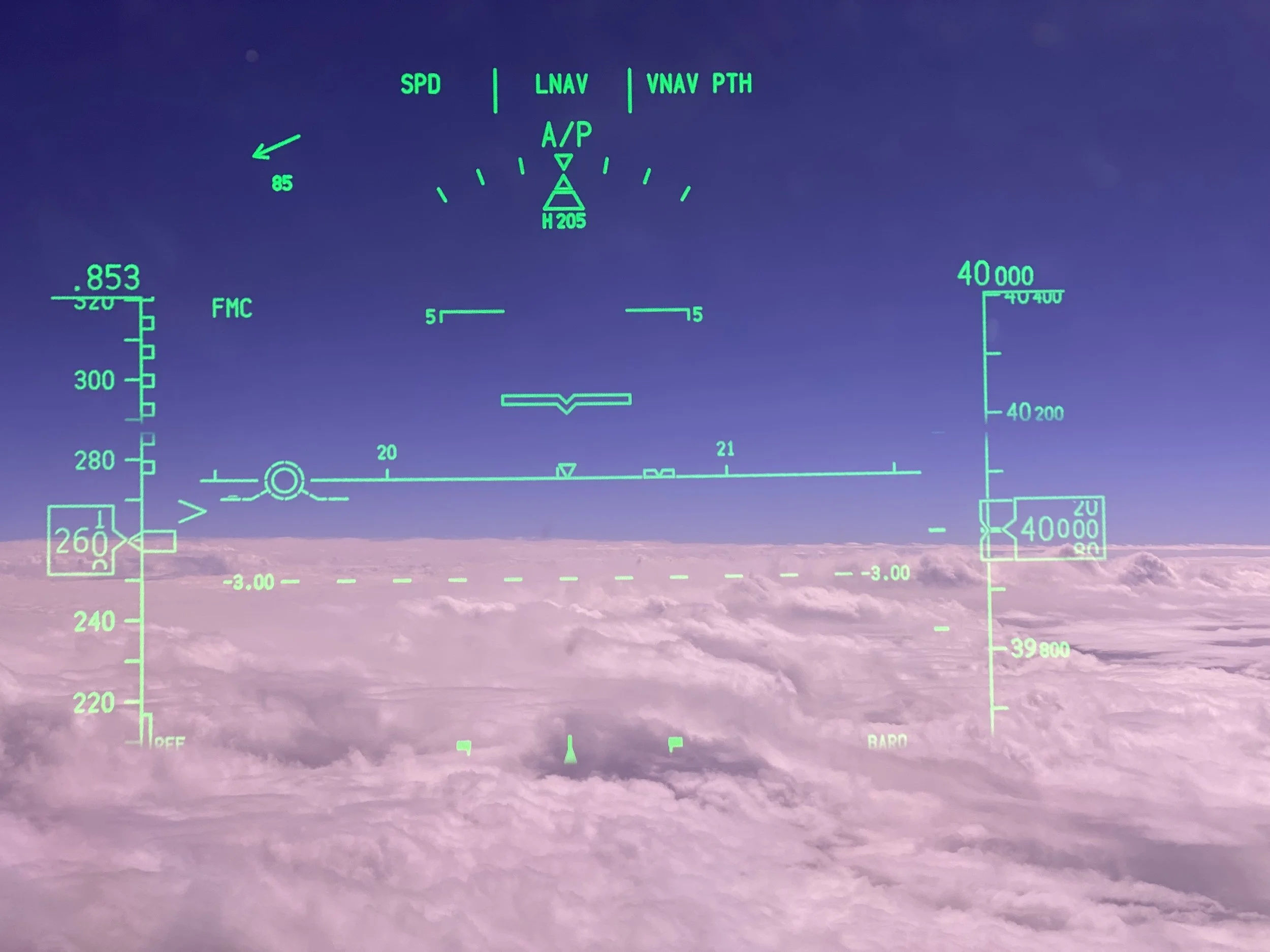
The display generated by ProSim737 consists of the familiar green flight guidance symbology associated with the Collins and Flight Dynamics HGS.
Because the software creates the image itself, the primary challenge for simulator builders becomes displaying that information on the combiner in the correct position and aspect relative to the outside view. To do this, various projection methods have been used successfully, including compact digital projectors, LCD displays and custom-built optical assemblies.
The objective is not necessarily to replicate the original Collins hardware exactly, but rather to create a clear, readable, and convincing display that integrates naturally into the simulator environment while accurately reflecting the information presented on the Collins display.
It is important to understand, as discussed earlier, that ProSim737 provides the HUD symbology and not the collimated optical image of the original Collins system. This said, for most home cockpit builders, reproducing the appearance and functionality of the HUD is both more practical and considerably more affordable than attempting to replicate its complete optical characteristics (collimation).
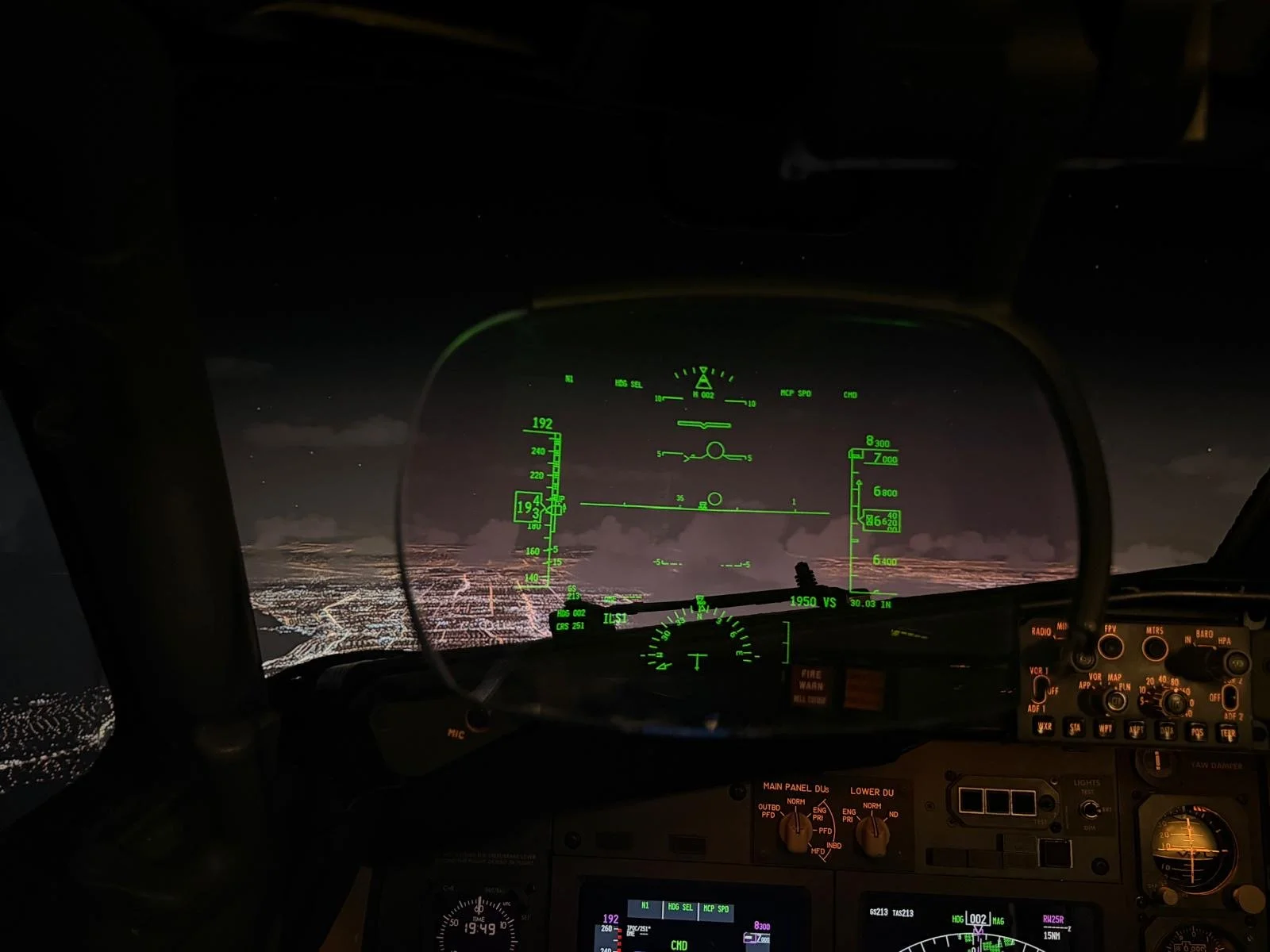
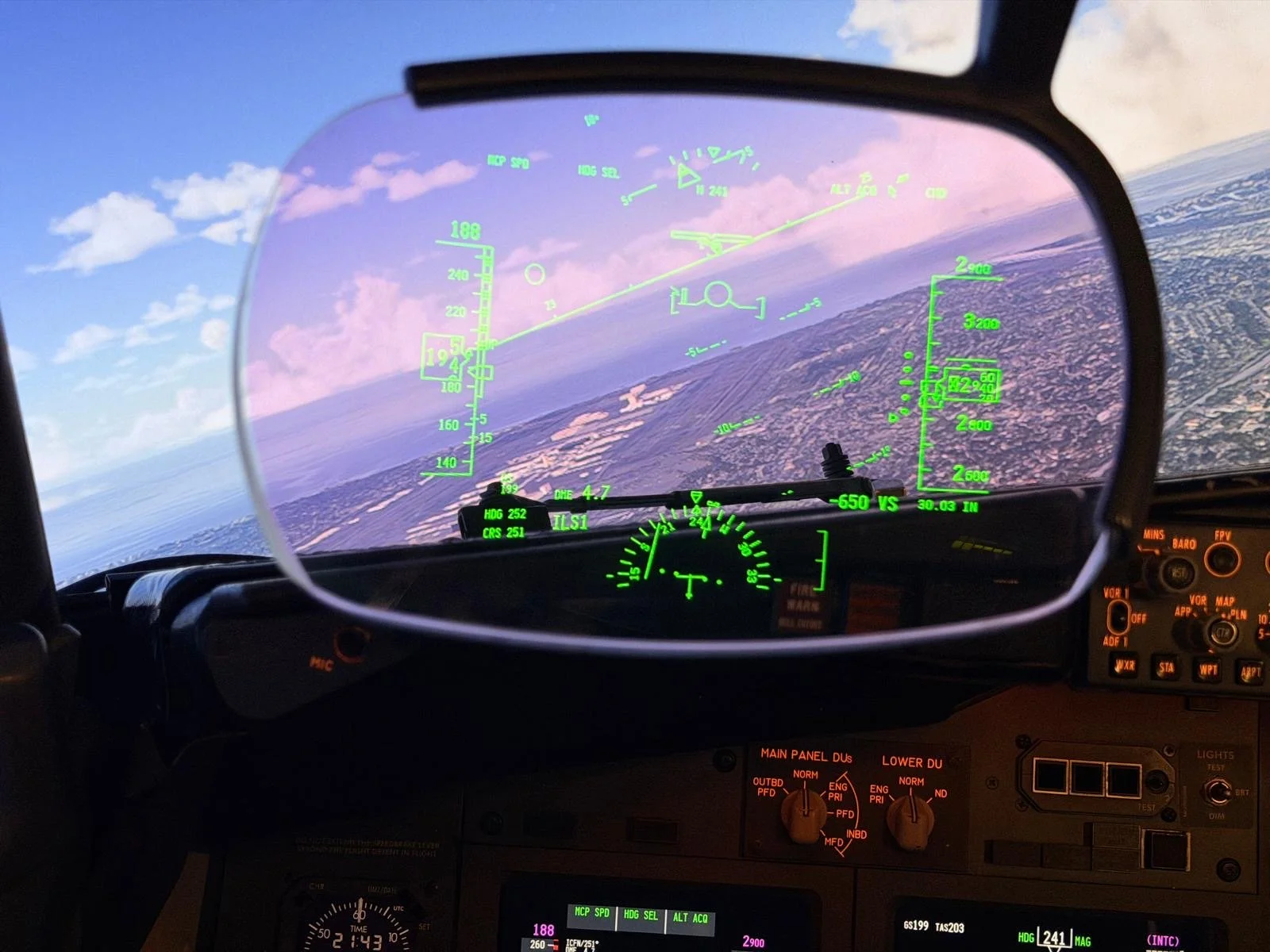
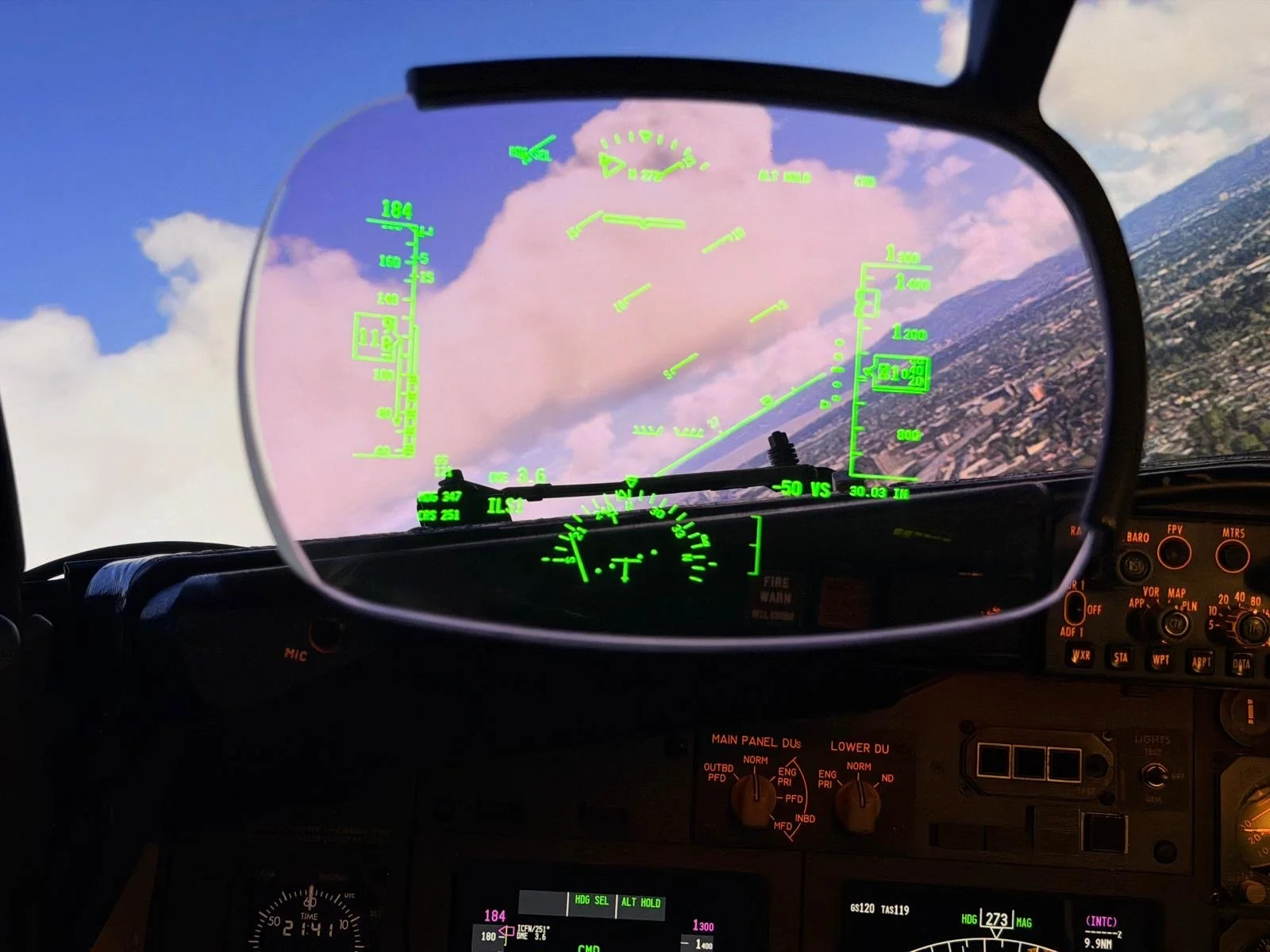
737-800 HUD display captain-side (prosim737). display appears soft in image, however, is sharp in combiner. This is the image that is prjected to the combiner from the ipad/iphone and projector.
Projecting the HUD Display
Whilst a complete Collins installation represents the most authentic solution, integrating original equipment into a simulator is often impractical due to availability, complexity and cost.
Fortunately, the combiner itself contributes much of the visual character associated with a HUD. When combined with software generated symbology, it can provide a highly convincing result without requiring the original avionics.
Successful implementation depends largely on brightness management, optical alignment and viewing geometry. The projector, combiner and pilot seating position must work together to ensure the image remains visible, readable and correctly positioned within the pilot's field of view.
With careful installation, modern display technologies can produce an excellent HUD experience while remaining significantly more affordable than if using a full OEM HUD aircraft system.
How To Project The Display (The Projector)
If an OEM projector is not available, an alternative projection solution must be used. A compact short-throw projector paired with an iPad or iPhone can provide an effective solution. The mobile device acts as the display source for the ProSim737 virtual HUD, while a separate projector displays the image on the combiner glass.
By far the greatest challenge is mounting and aligning the projector so that the HUD symbology is correctly aligned with the pilot's eye point and appears in the proper position on the combiner glass.
Key considerations include:
The combiner glass angle;
The pilot’s eye point (seat position);
The pilot's eye height; and,
The projector's position and settings (including resolution).
A separate article will cover the projector installation and alignment process in detail.
Further Investment
Prospective builders should also be aware that HUD functionality is not included in the standard ProSim737 package. At the time of writing, the HUD module must be purchased separately, increasing the overall cost of the simulator installation.
The Combiner Featured in This Simulator (lineage)
The combiner used in this project is an earlier generation Flight Dynamics unit originally fitted to Boeing 727 and 737 Classic aircraft. Initial research into the combiner’s serial history indicates that it was used with several operators during its working life, including UPS, Lufthansa and Evergreen International Airlines.
In that respect, the combiner represents not only an interesting piece of optical engineering, but also a small piece of commercial aviation history.
Final Call
A fully operational HUD remains one of the most impressive and technically demanding additions that can be made to a flight simulator. Modern Collins HGS systems are exceptionally capable, but they also rank among the most complex and expensive avionics packages found on contemporary transport aircraft.
For most enthusiasts, however, certified level fidelity is neither practical nor necessary. Older generation HUD hardware, particularly OEM combiners, offers a far more accessible route to HUD simulation while retaining much of the authenticity and visual appeal of the real system. When paired with software platforms such as ProSim737 or Sim-Avionics, these components can deliver a highly convincing experience without the cost and complexity of a complete installation.
Whether implemented using original hardware or modern simulation software, a well executed HUD can transform the simulator experience, bringing a level of immersion and operational realism that few other cockpit systems can match.
Article Version - 26 November 2026
Photo Gallery
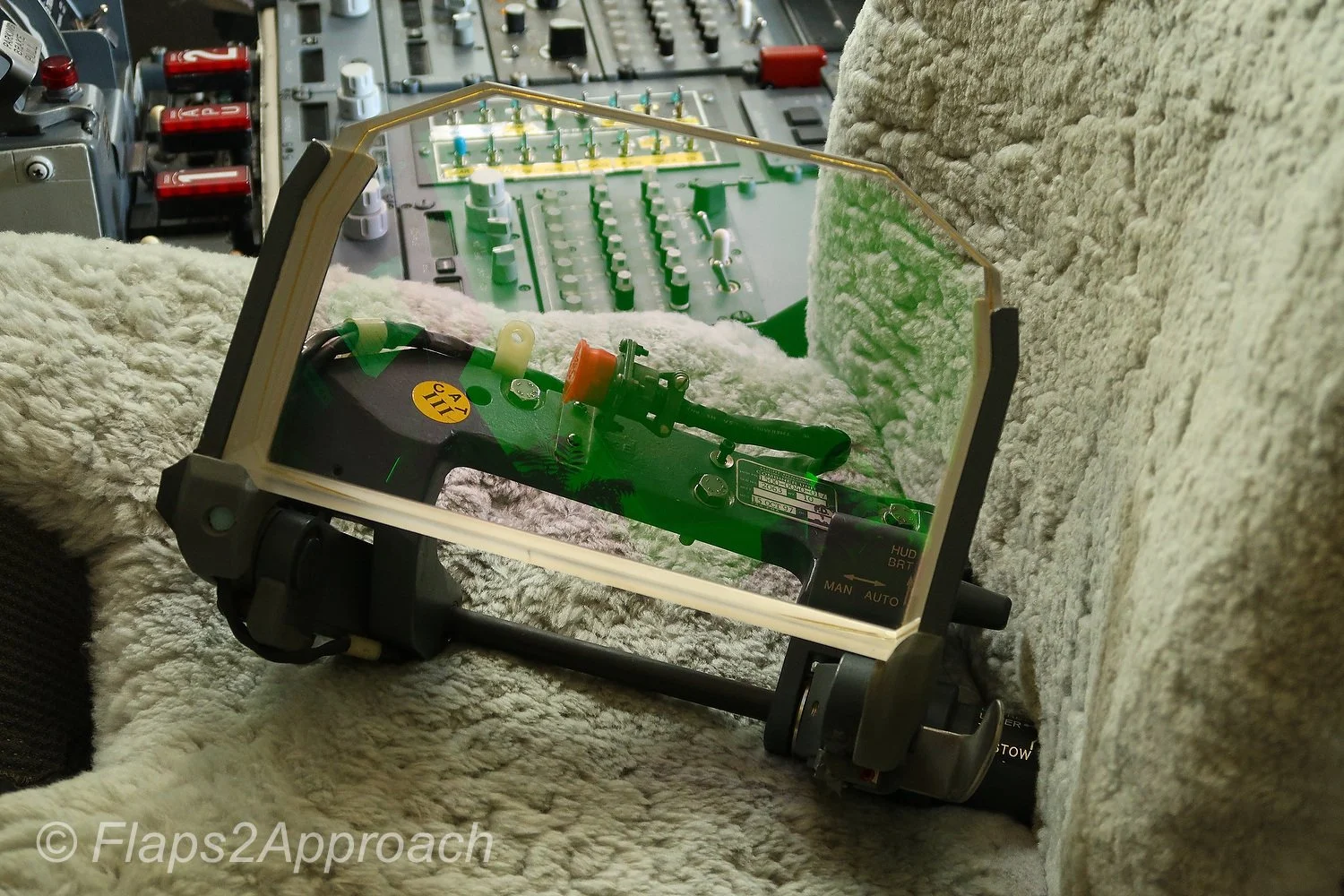
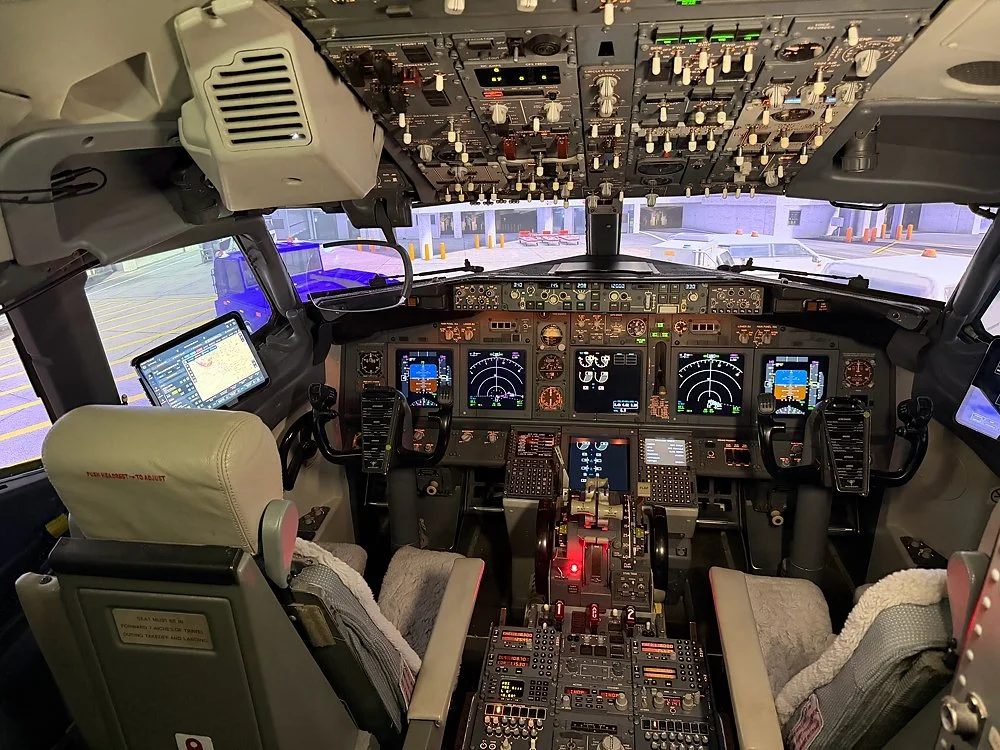
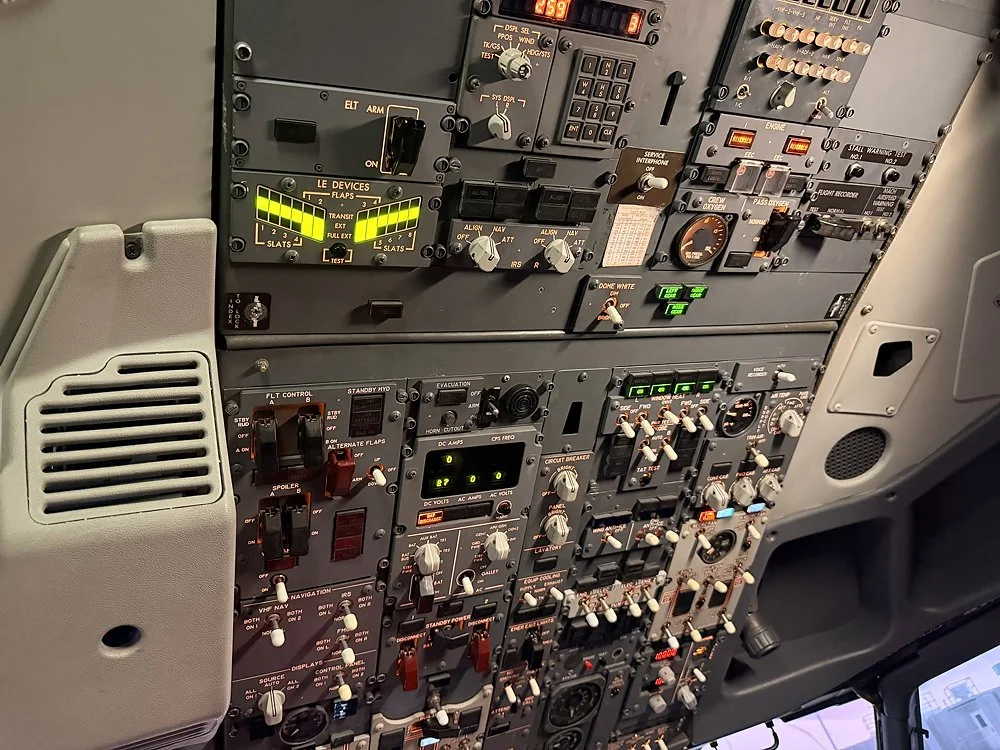
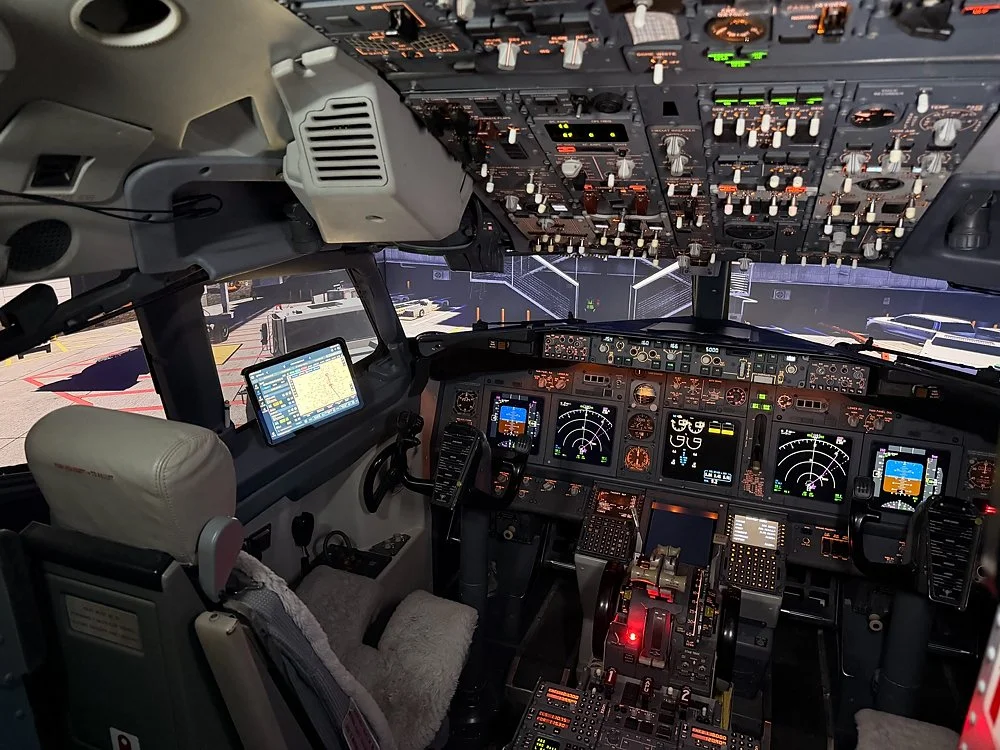
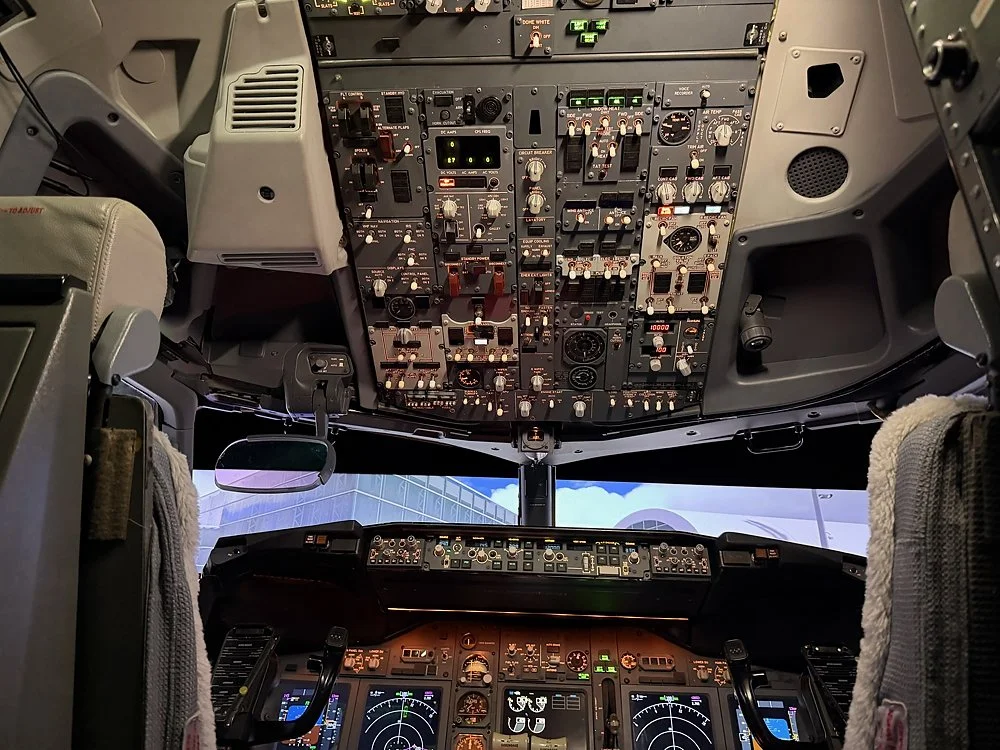
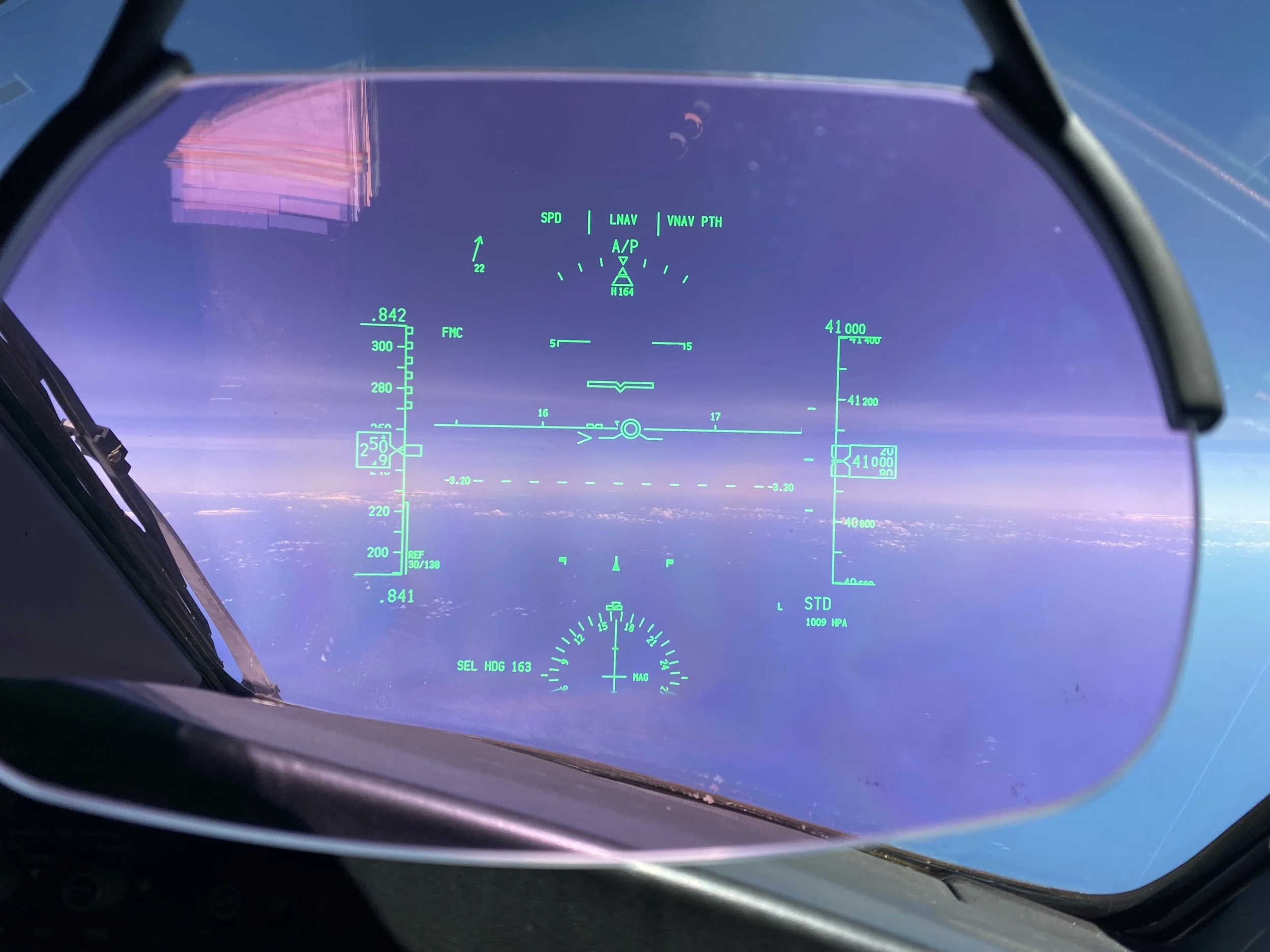
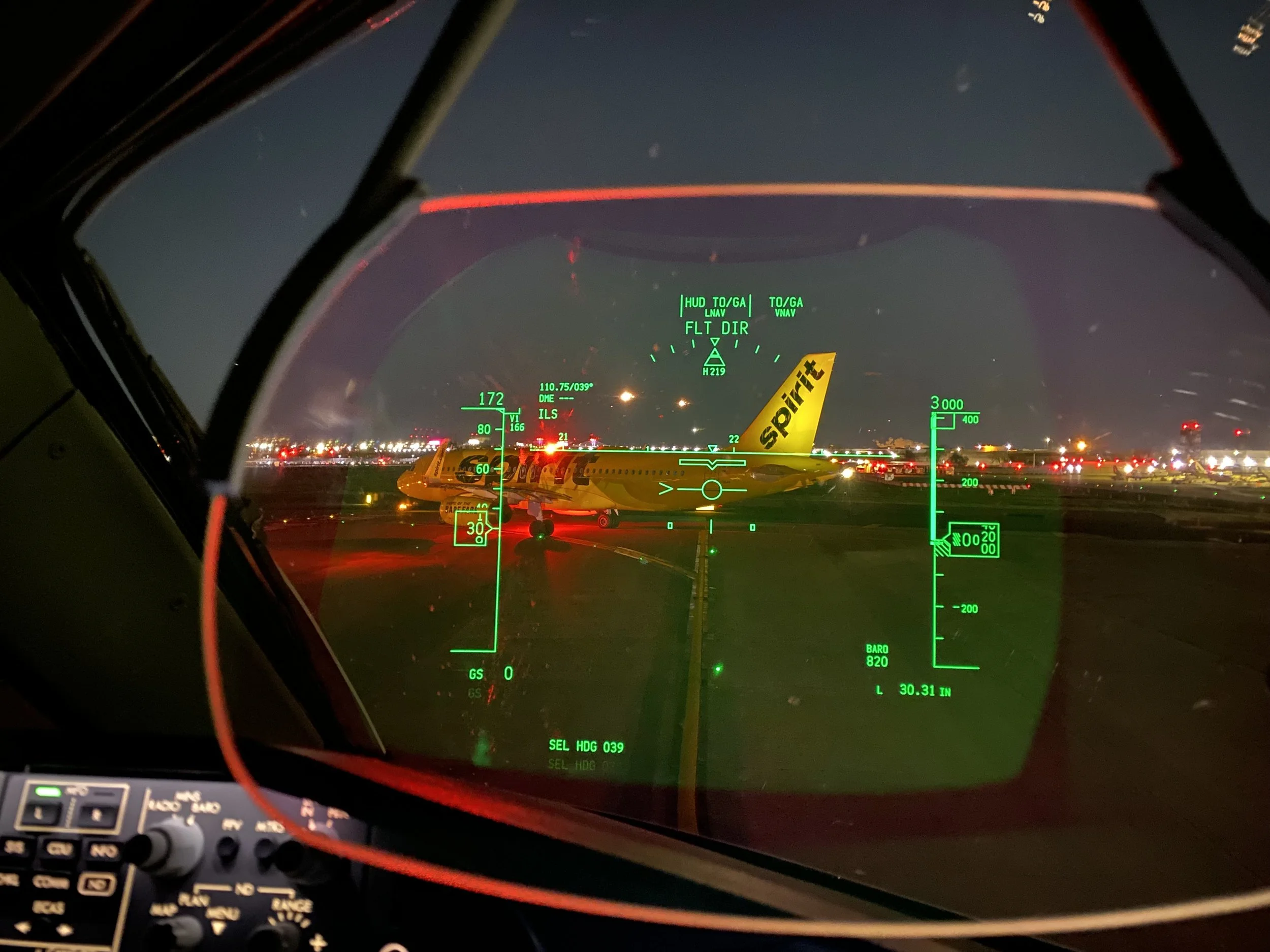
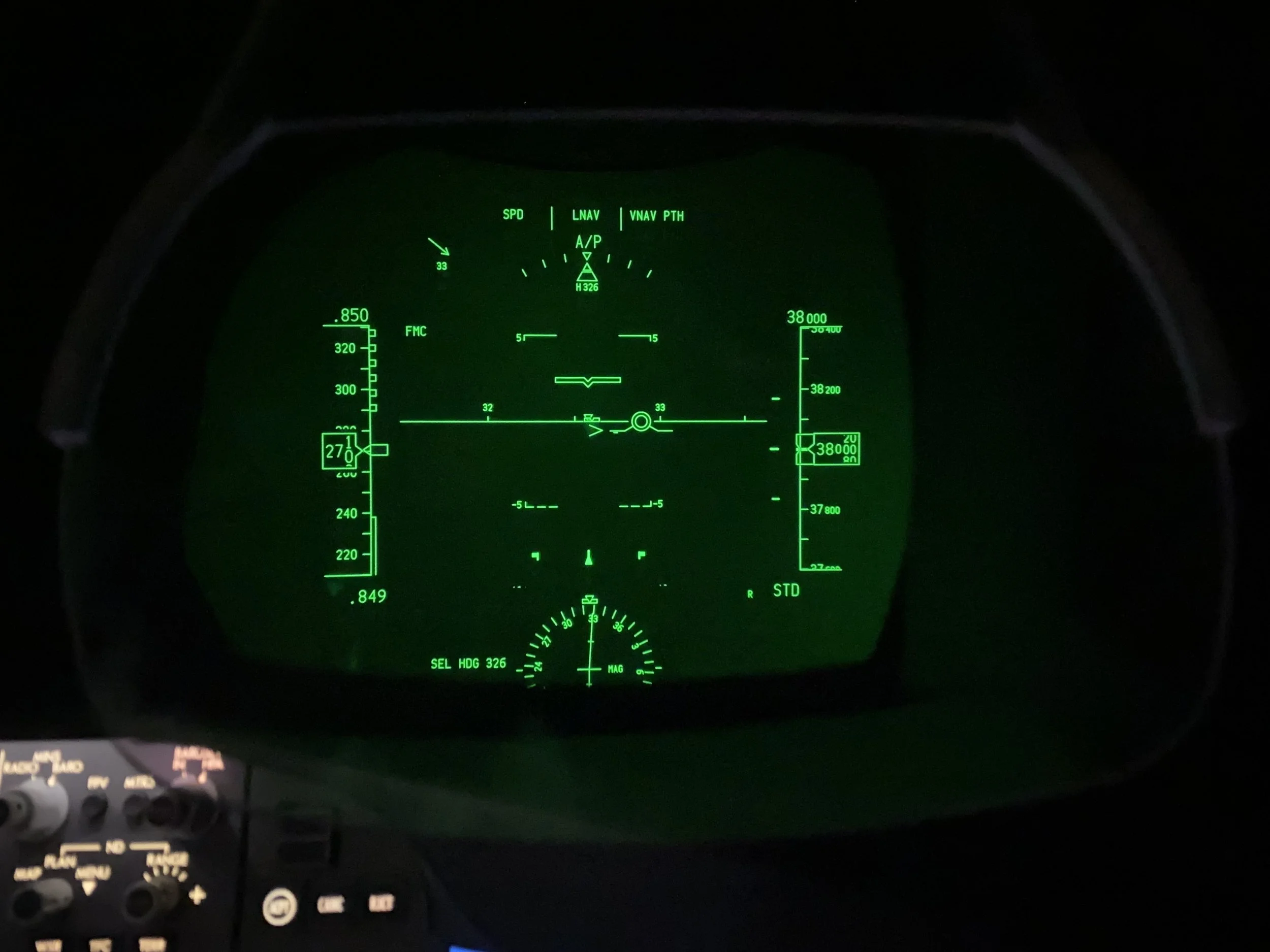
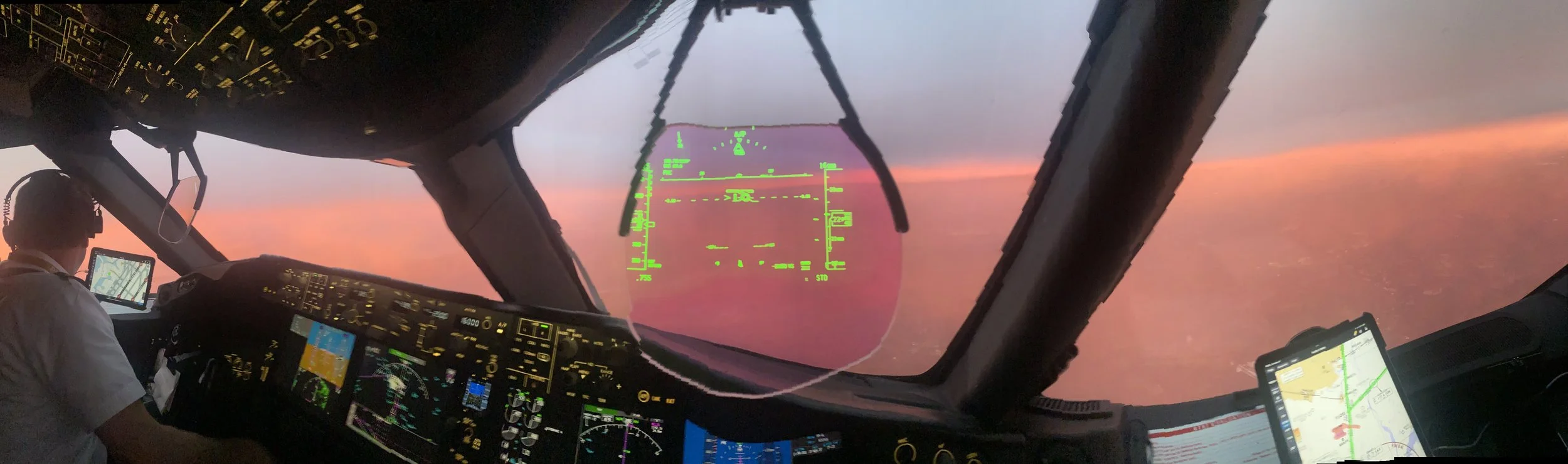
Images of HUD combiner (older Flight Dynamics style) and HUD (later Collins style) from Boeing 737-800 and Boeing 757 (757 for comparison towards end of gallery).