Flight Testing - The Good, The Bad & The Ugly
/
lot 737-600 (RHL Images from England, LOT B737, SP-LKF (3833448252), CC BY-SA 2.0)
Flight Testing - Hardware & Flight Models
Now comes the fun and not so fun part - field testing. Everything has been configured (throttle, MIP, yoke, etc) and requires flight testing to ensure correct operation. Reliability is related to repeatability; therefore, to ensure reliability you must replicate the outcome several times before you can state something is working correctly. This takes time and many takeoffs and landings.
As you can imagine, there are many systems that inter-finger to achieve the desired outcome, and all the systems, hardware, software and components must be correctly communicating between themselves to replicate flight. Often a small problem can develop from something as insignificant as a loose wire or a incompatible computer part. I've already had a few spanners thrown into the mix with faulty power packs, problematic USB cables and USB ports and a few user problems.
It's during this test period that I hope to iron out any niggle problems to ensure a robust and trouble-free system for the future.
Flight testing occurs whenever a new component is added, changed, or the avionics software is updated.
Word of Advice - Go Slow & Be Methodical
To determine the solution to any problem that may arise, it's important to know which hardware or software is causing the problem. When in the test phase, it's best to only have the basic software installed. When your happy with the result, add another piece of software and test. This is the best way to build a robust system. The temptation is to install everything and then field test, only to find an issue and not be able to work out what is causing the problem. Develop and build in stages, try to take your time, be methodical, take notes and replicate the results before moving on. It's a slow and often tedious process.
One benefit of going slow is that you will have the opportunity to learn your software and know what it can do and more importantly what it can't do.
Bugs
Often individuals will state a piece of software has bugs as it doesn't do what they believe it should be doing. Certainly some software is bug prone and should be avoided, however, for the most part high-end software and hardware more than often operates correctly and is trouble free.
A piece of software or hardware can only function within the specifications of the, motherboard and other software you have installed. It is not uncommon for one individual to state a bug whilst another has no issues what-so-ever. Before crying BUG, it's best to check, double check and then check again. Often the fault will be your computer set-up or your lack of knowledge to what the software can or cannot do with regard to the computer and computer components you are using.
Examining The Flight Models
Testing also includes evaluating the two flight models that interest me: the PMDG FS9 and default FSX 737. At the moment I prefer the former; probably because this is the aircraft model I've used since it was release. Each model has its differences and nuances.
I'll post a separate entry in the Journal outlining my thoughts on the two models in due course, although this is a personal preference.
Unfortunately, the CP Flight MCP PRO I purchased appears to be faulty and have been returned to Italy. Using the virtual Sim Avionics MCP achieves the same outcome, but it's a bit ungainly using a mouse and separate MCP screen. Hopefully a replacement MCP will arrive in a few weeks time which will flying easier and more enjoyable.
Testing Duration
To test anything properly requires at least a few weeks; as mentioned above repeatability must occur.
Eye Candy
The outside model, what the Americans call eye candy is not of great importance to me. Most of the time I like to fly IFR in inclement weather, so looking out the front or at the exterior is not that important; I spend most of my time reading instruments, manuals and looking at charts (yes I like paper charts although I do also have an electronic flight bag).
External Visuals
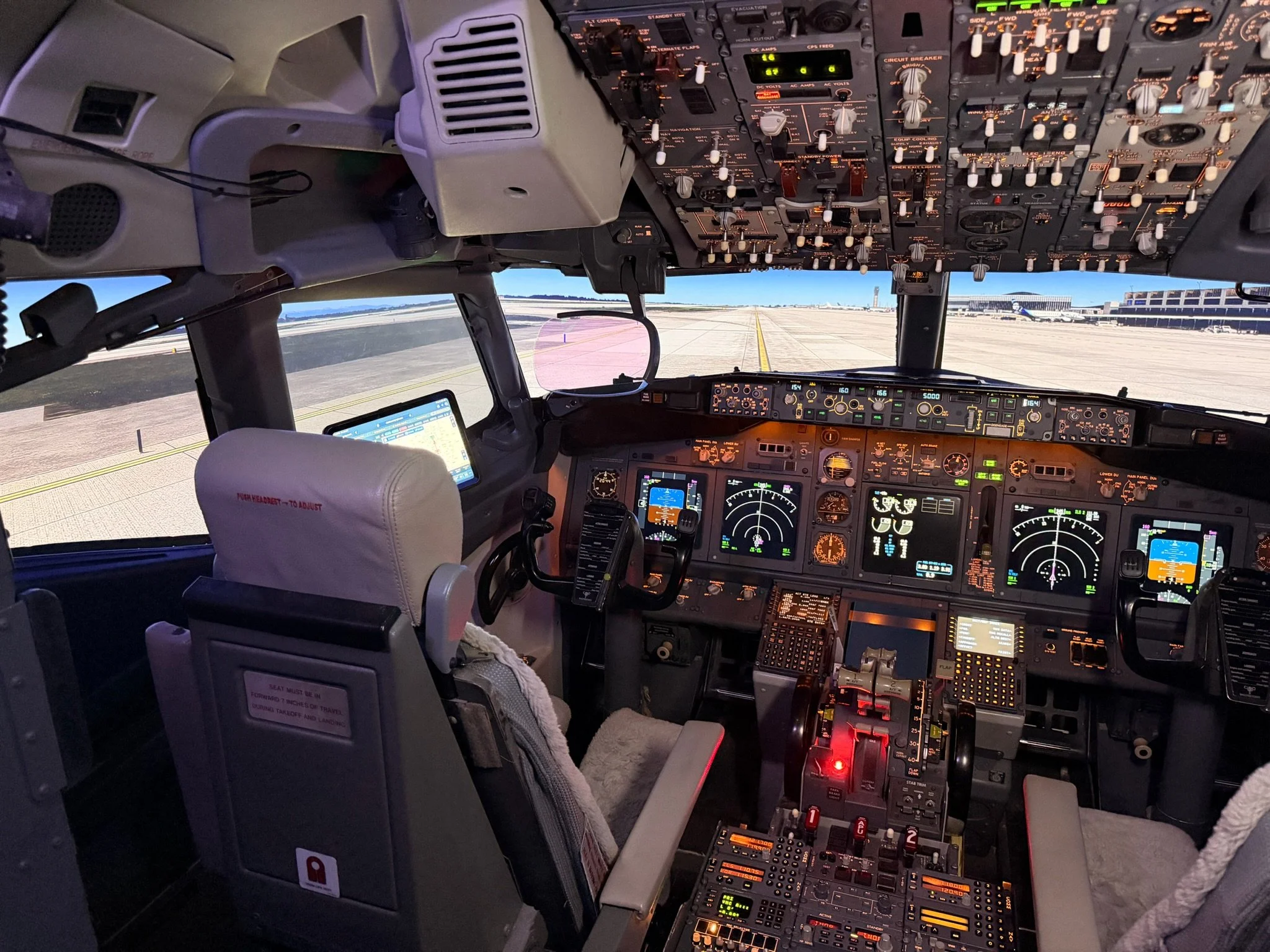
At the moment, during the initial flight testing stage I am using a rather small computer display; functional when building and testing, but not that exciting to fly with. Following construction, more suitable external visuals will be looked at.
Update
on 2013-06-17 23:00 by FLAPS 2 APPROACH
Time has been limited, however, I have completed several flights using the two flight models that interested me - the default B737 FSX and the PMDG (FS9 version) B737. Although both flight models depict the same aircraft, there is considerable variation in how each model behaves. Many of the differences are small and probably would not be noticed by a casual flier who has only experienced one flight model.
Easy to Nit Pick
It's easy to fall into the trap comparing flight models for entirety and nit-pick each to death without coming to a conclusion. Put simply, it's about compromise. Each model has its benefits and failings. After considerable time and effort, I've decided that the PMDG FS9 model is suitable to my style of flying (at the present time).
Main Differences - PMDG FS9 Model & Default FSX 737 Model Using ProSim737
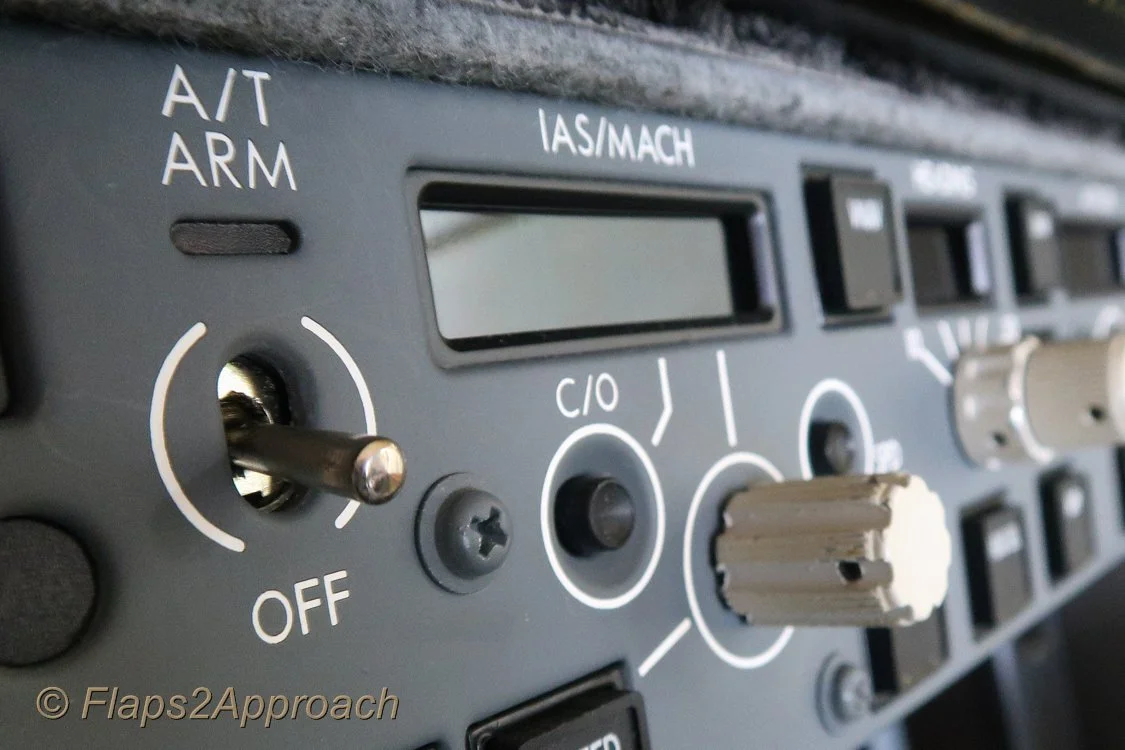
The main differences that I have noted is that the default B737 model, in many respects, is VERY EASY to fly. Its responsive to flight inputs and generally speaking is not challenging when flying - even in a cross wing. Some of the methods in which instrumentation interact with the model is also slightly different. For instance, when flying in command mode (auto pilot on), the default B737 will not allow you any roll CWS using the yoke. You must depress the CWS button on the MCP to allow the aircraft to be rolled whilst the auto pilot is controlling the aircraft.
In contrast, the PMDG FS9 flight model is generally more difficult to fly and control. Landing in a cross wing requires far more concentration as does a normal take off and climb to altitude. Interestingly, the CWS issue mentioned above is not a problem with the PMDG model. If the aircraft is in autopilot mode with command activated and you wish to alter course, all you need do id move the yoke and CWS roll or pitch is activated whilst the auto pilot is maintained. This has obvious benefits.
A few other variables that I was not happy with when using the default model are;
Instability in pitch during a VNAV descent
Instability in pitch when using the speed brake
Overpowering of engines during take off and climb
Flaps extension and retraction appears to be very fast
CWS roll/pitch requires engagement of CWS button & disengagement of auto pilot
Poor outside visuals (aircraft in spot mode)
Many of the above issues can be easily rectified by editing the constraints in the Air File.
One of the benefits of the default model is it allows connection and configuration to any of the standard FSX controls (aircraft lighting, various buttons, etc). It's unfortunate that the same level of interaction is not possible when using the PMDG model (without further configuration & work around). As an example, the navigation and strobe lights cannot easily be connected to an outside switch using PMDG. This is because PMDG has configured their model outside the standard defaults of FSX.
I have no doubt that there are other nuisances that I've yet to discover.
Which Flight Model - PMDG FS9...
Personally I prefer the PMDG FS9 model as it delivers greater flight accuracy than the default model. For this reason I will most likely use the PMDG as a standard model. This said, once some tweaks are made to the default model's Air File to counter the above mentioned dot points, the model flies quite well with full button capability. However the CWS roll & pitch discrepancy, for me, places the PMDG FS9 model ahead of the default model.
Update
on 2012-06-20 03:30 by FLAPS 2 APPROACH
After spending the last few months on and off flight testing, I thought I'd share my final decision to which flight model the simulator will be using.
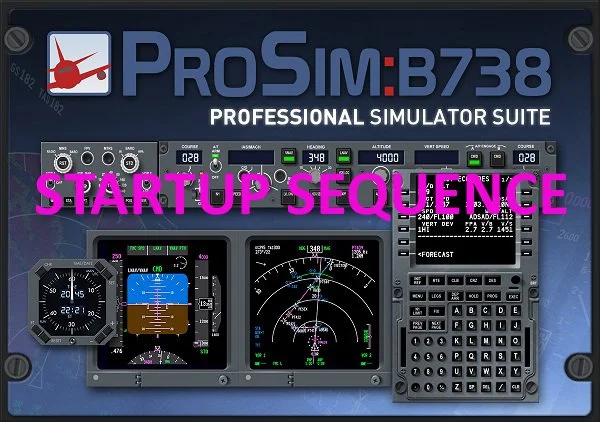
ProSim 737 and JetStream B738
I spent May and June field tested ProSim 737 as an alternative to Sim Avionics. ProSim737 can be used with a number of add on aircraft, however, they also produce a dedicated flight model to the their own software called the JetStream Advanced Flight Model B738.
I'm impressed with the JetStream and believe it to be the par of the PMDG FS9 model. Certainly, the external visuals do not match PMDG, but this is not the concept behind the JetStream. The concept ProSim wanted to deliver was an aircraft model that provided a top shelf flight model compatible with ProSim's flight avionics suite. As such, external visuals are as per the default FSX 737.
I'll be compiling and posting to the journal section an evaluation of the JetStream shortly.
The avionics suite chosen is ProSim737 and the flight model is the JetStream 738 (as at June 2012).